Slide 1 of 1 from Free Curved Arrow Bubbles Design
Free Circular Arrow Icons For Powerpoint Templates
Circular Arrow for PowerPoint Design
- Diagram
- Other
- Process Slide
- 16:9
- 100% Editable
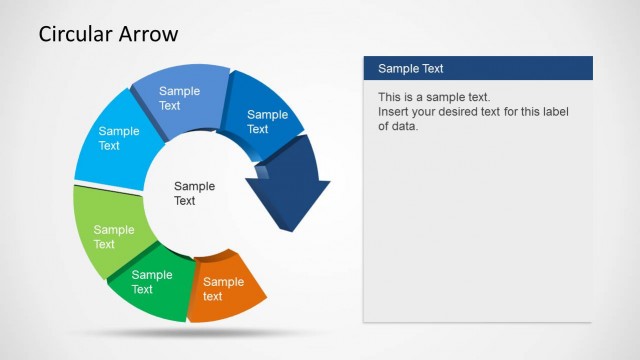
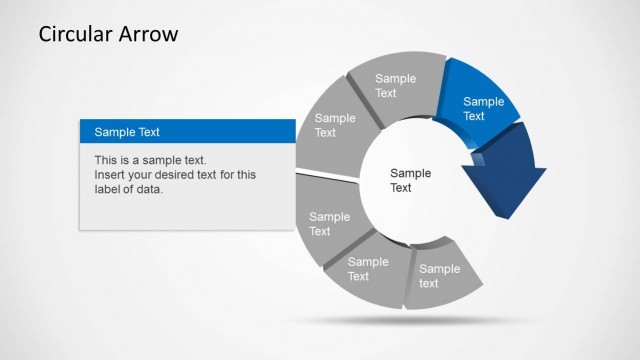
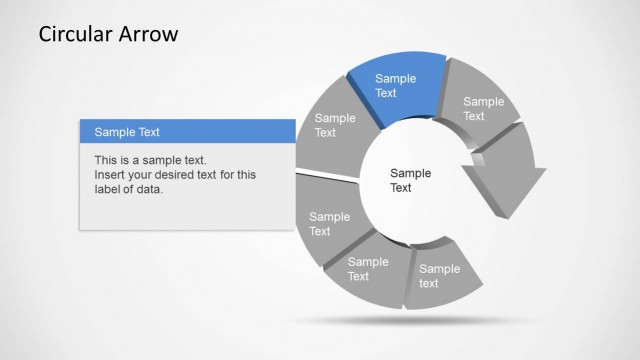
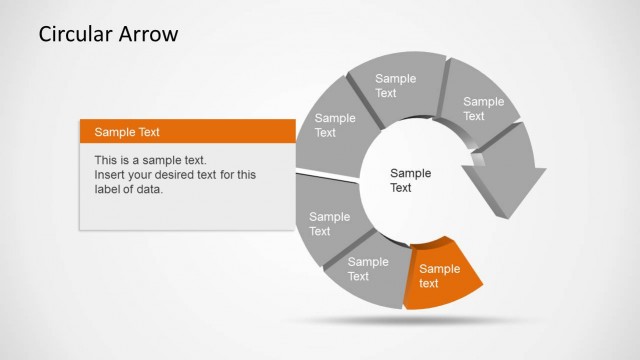
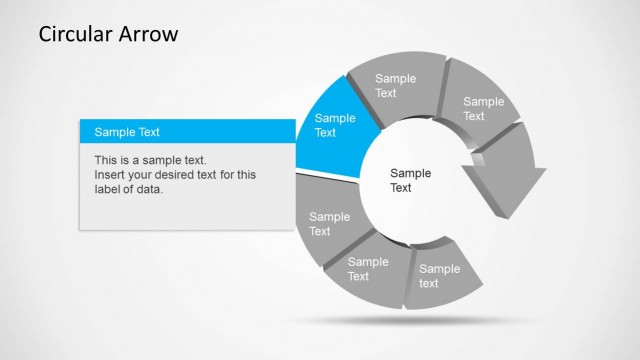
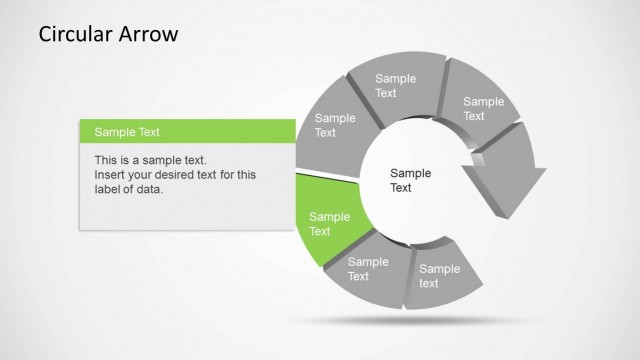
The Circular Arrow with Icons slide from the Free Curved Arrow Bubbles Design template offers a clear visual of cyclical processes using editable shapes and vector icons. This layout is suitable for business presentations and project updates, combining a dynamic circular arrow graphic with a structured table to present data effectively within slide templates.
What’s on This Slide
The layout features a large circular arrow composed of various icons arranged in a bubble-like pattern on the left side. The icons represent different concepts such as finance, growth, and ideas, with varying sizes and colors. To the right, there is a structured table containing two columns, labeled 'Sr no.' and 'Sample text,' with seven rows for data entry. The background is light, enhancing the visibility of the elements. Text placeholders exist for the table and title, with the title positioned at the top center.
How to Use It
This layout serves as a visual representation of a process or concept, ideal for illustrating workflows or thematic ideas. It fits well in presentations that require a blend of visual storytelling and structured data, such as business proposals or project updates. The circular arrow can symbolize continuous improvement or cyclical processes, while the table provides a clear way to present supporting information. Use this design to engage audiences with both visuals and text.
Text Placeholders & Capacity
Keep your copy within these limits so it fits without resizing. Node labels can hold about 20 characters each, while body text can fit around 50 characters.
| Placeholder | Count | Max characters (approx.) |
|---|---|---|
| Slide title | 1 | 30 |
| Item heading | 7 | 20 |
| Item body | 7 | 50 |
Slide Keywords
Download unlimited PowerPoint templates, charts and graphics for your presentations with our annual plan.
DOWNLOADReturn to Free Curved Arrow Bubbles Design.