Slide 2 of 4 from Free Creative Thinking Slides for PowerPoint
FF0049-01-creative-thinking-slides-2
Creative Thinking Comparison Slide
- Diagram
- Comparison Split
- Concept Explanation Slide
- 16:9
- 100% Editable
The Creative Thinking Comparison slide from the Free Creative Thinking Slides for PowerPoint template offers a clear visual distinction between left and right brain cognitive styles. This editable slide is ideal for business presentations and educational workshops focused on enhancing team brainstorming and explaining diverse thinking approaches using professional slide templates.
What’s on This Slide
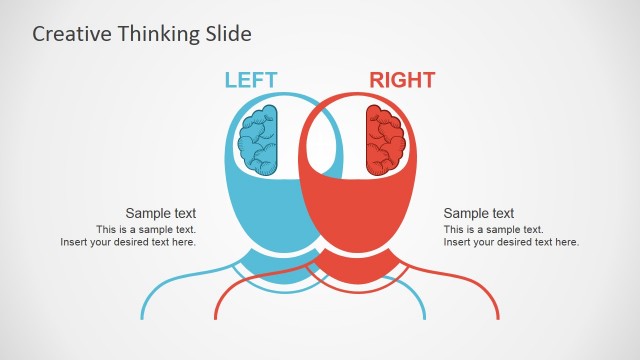
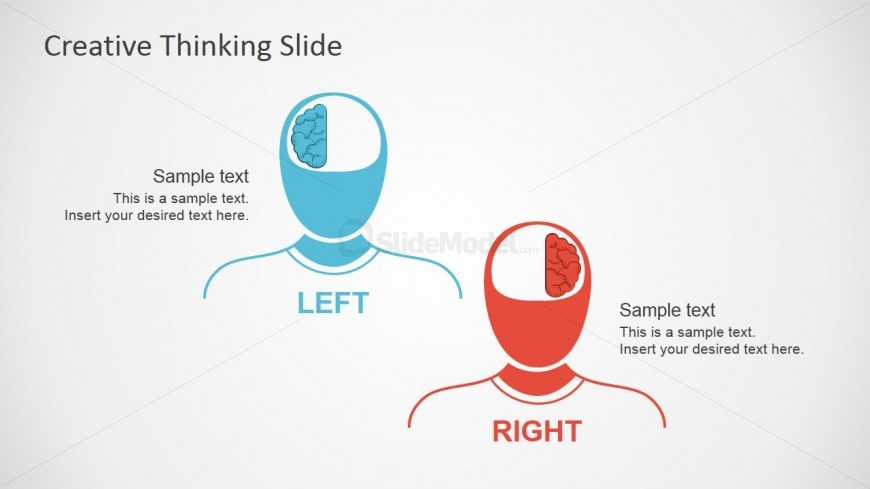
The layout features two human figures positioned side by side, one colored blue and the other red. Each figure has a brain illustration in their head, with the blue figure labeled 'LEFT' and the red figure labeled 'RIGHT.' Text placeholders are present beneath each figure, aligned left for the blue figure and right for the red figure. The title 'Creative Thinking Slide' is centered at the top. The background is a light gradient, enhancing the visual separation of elements. The overall composition emphasizes a comparison between the two brain hemispheres.
How to Use It
This layout serves as a comparison diagram, illustrating the differences between left and right brain thinking styles. It fits well in presentations discussing creativity, cognitive processes, or team dynamics. This slide can be used in educational settings to explain thinking styles or in business contexts to highlight diverse approaches to problem-solving. It is particularly useful in workshops or training sessions focused on enhancing creative thinking and collaboration among team members.
Text Placeholders & Capacity
Keep your copy within these limits so it fits without resizing. Node body slots can hold about 10-12 words each.
| Placeholder | Count | Max characters (approx.) |
|---|---|---|
| Slide title | 1 | 30 |
| Item heading | 2 | 10 |
| Item body | 2 | 50 |
Slide Keywords
Download unlimited PowerPoint templates, charts and graphics for your presentations with our annual plan.
DOWNLOADReturn to Free Creative Thinking Slides for PowerPoint.