Slide 1 of 6 from Free Gear Process Diagram Slides
FF0029-01-gear-process-diagram-1
Creative Process Diagram Slide
- Diagram
- Process Flow
- Process Slide
- 16:9
- 100% Editable
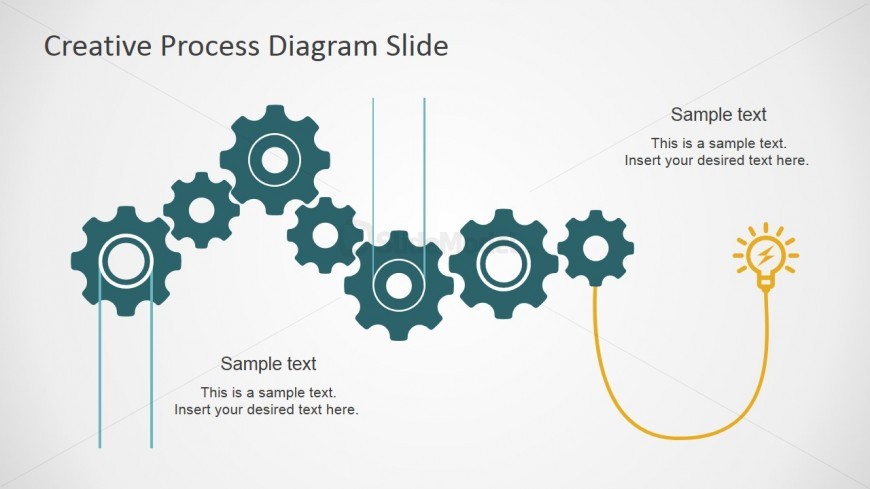
The Creative Process Diagram slide from the Free Gear Process Diagram Slides template visually represents workflow and innovation through interconnected gears and a light bulb icon. Designed as an editable slide, it supports clear communication of process steps and idea development in business presentations or pitch deck templates, enhancing audience understanding of complex sequences.
What’s on This Slide
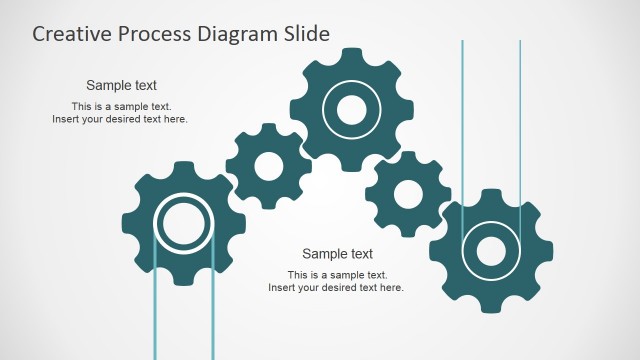
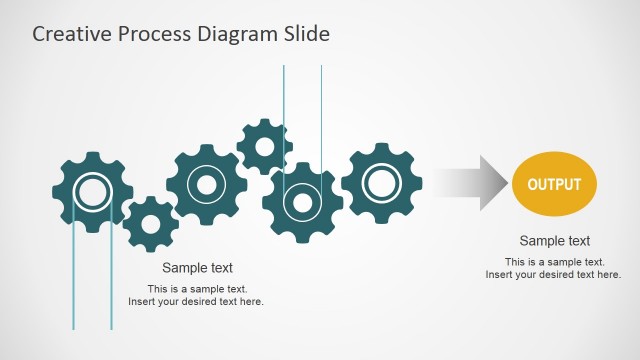
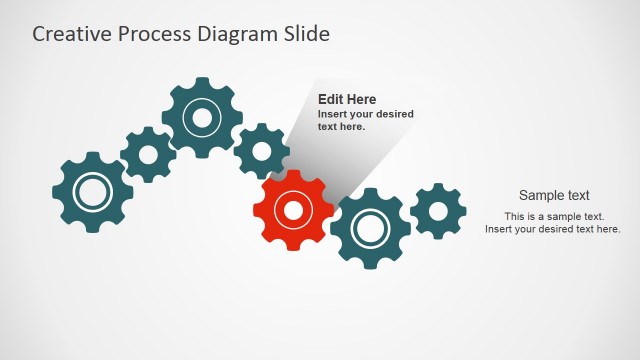
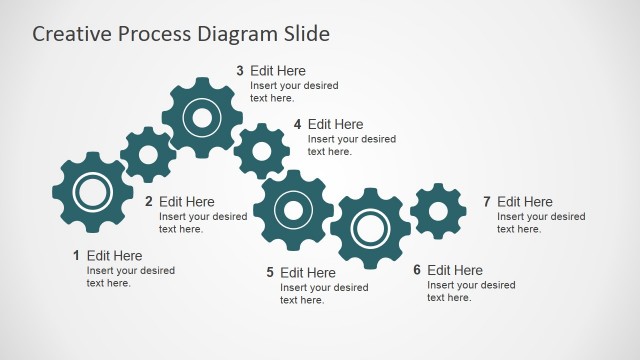
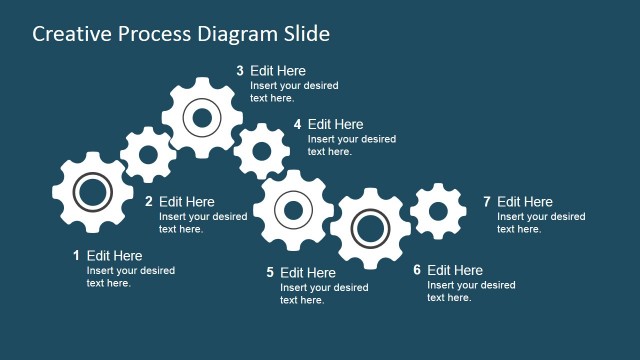
The layout features a series of interlocking gears positioned centrally, with a light bulb icon on the right. The gears vary in size and are connected by vertical lines, creating a flow effect. Text placeholders are located on the left and below the gears, with sample text indicating where content can be inserted. The overall composition is balanced, with the gears forming a visual pathway leading to the light bulb, which symbolizes an idea or output. The background is light, enhancing the visibility of the elements.
How to Use It
This layout serves as a process flow diagram, illustrating a sequence of steps or ideas. It is suitable for presentations focused on operations, innovation, or workflow discussions. The arrangement can effectively convey how different components interact within a creative process. It fits well at the beginning of a presentation to introduce concepts or at a transitional point to highlight key ideas. This structure is beneficial for workshops, brainstorming sessions, or project planning discussions.
Text Placeholders & Capacity
Keep your copy within these limits so it fits without resizing. Body slots can hold around 10 words each, with titles tighter at about 5 words.
| Placeholder | Count | Max characters (approx.) |
|---|---|---|
| Slide title | 1 | 30 |
| Body paragraph | 3 | 50 |
| Item heading | 5 | 20 |
Slide Keywords
Download unlimited PowerPoint templates, charts and graphics for your presentations with our annual plan.
DOWNLOADReturn to Free Gear Process Diagram Slides.