Slide 9 of 11 from Free Creative Company Profile Presentation Template
Our History Vertical Timeline Slide
History Timeline Slide for Presentations
- Diagram
- Timeline Vertical
- Context Slide
- 16:9
- 100% Editable
The History Timeline with Text slide from the Free Creative Company Profile Presentation Template offers a structured way to showcase company history and project milestones. This vertical timeline layout features editable shapes and vector icons, allowing for detailed descriptions alongside chronological events. Ideal for corporate presentations, this slide enhances the storytelling aspect of a business presentation.
What’s on This Slide
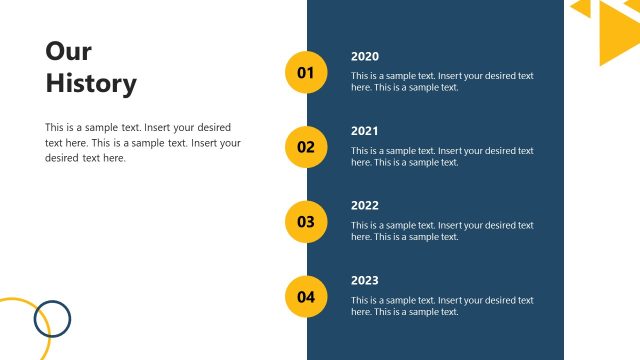
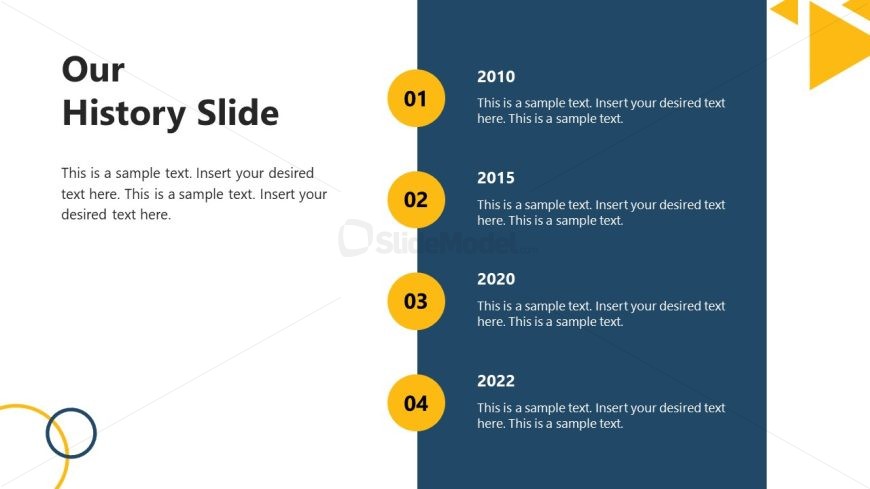
The slide features a vertical timeline layout on the right side, displaying four chronological milestones labeled with years. Each milestone is represented by a circular icon in yellow with a number inside. The left side contains a large title placeholder at the top, followed by a text placeholder that spans the height of the slide, allowing for detailed descriptions of each milestone. The background is primarily white, with a dark blue section on the right that contrasts the timeline. A decorative triangular shape in yellow is positioned at the top right corner.
How to Use It
This layout serves as a chronological timeline to present historical milestones or key events in a business context. It is suitable for showcasing a company's development over time, making it effective for presentations focused on company history or project timelines. This slide fits well in a sequence following an introduction or overview, providing context before discussing future goals or strategies.
Text Placeholders & Capacity
Keep your copy within these limits so it fits without resizing. Node body slots can hold about 25-30 words each.
| Placeholder | Count | Max characters (approx.) |
|---|---|---|
| Slide title | 1 | 50 |
| Item heading | 4 | 10 |
| Item body | 4 | 150 |
Slide Keywords
Download unlimited PowerPoint templates, charts and graphics for your presentations with our annual plan.
DOWNLOADReturn to Free Creative Company Profile Presentation Template.