Slide 2 of 2 from Free Core Concept Diagram for PowerPoint
4 Steps Core Concept PowerPoint
Core Concept Diagram for Presentations
- Diagram
- Other
- Concept Explanation Slide
- 16:9
- 100% Editable
The Core Concept Diagram slide from the Free Core Concept Diagram for PowerPoint template offers a clear visual layout for presenting key ideas and strategic initiatives. This slide uses editable shapes and vector icons arranged around a central node to highlight relationships and sequence, making it suitable for business presentations and pitch deck templates that require concise concept explanations.
What’s on This Slide
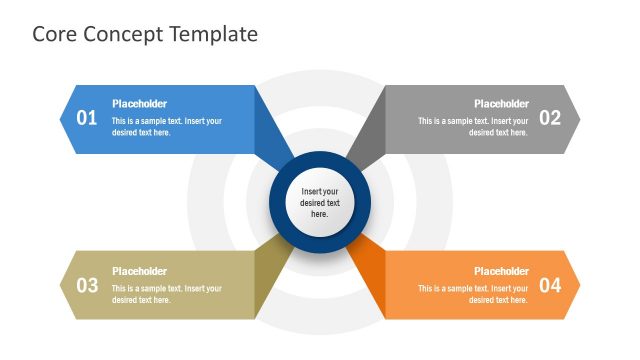
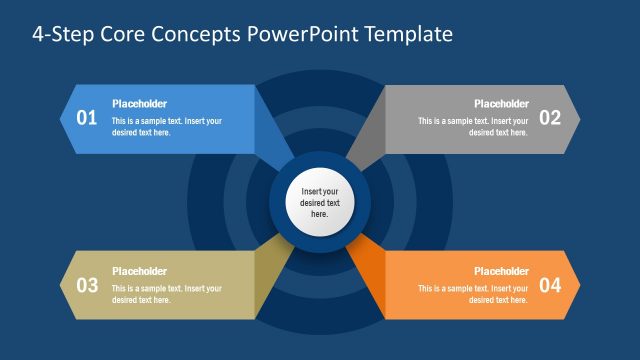
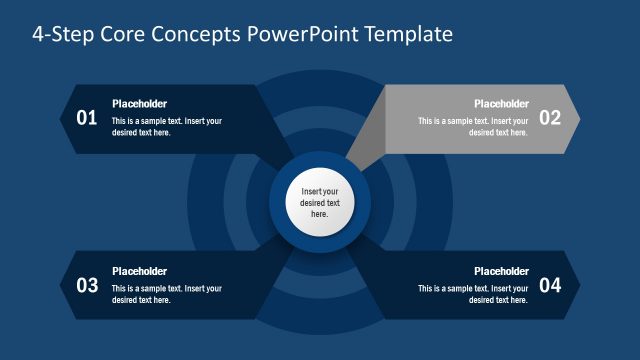
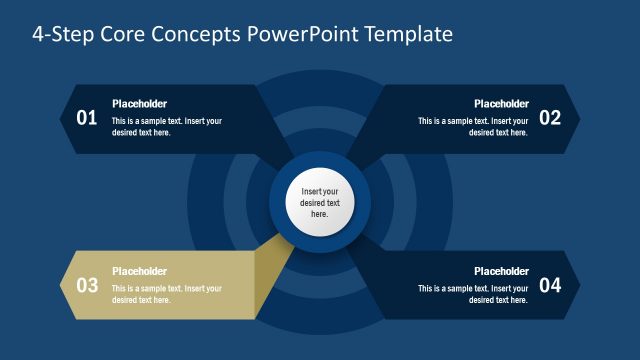
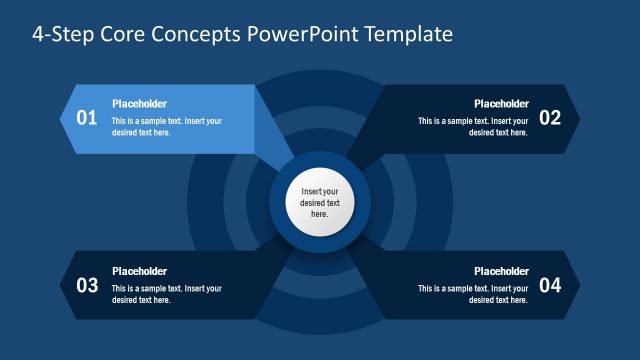
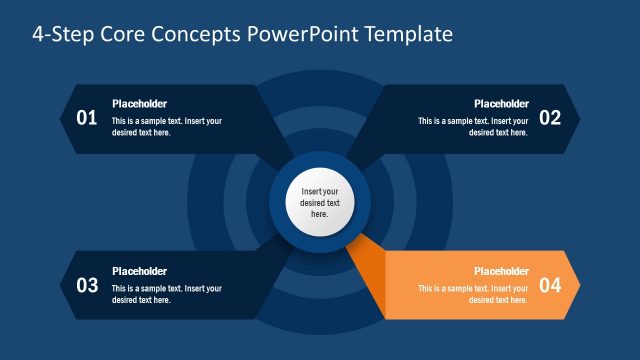
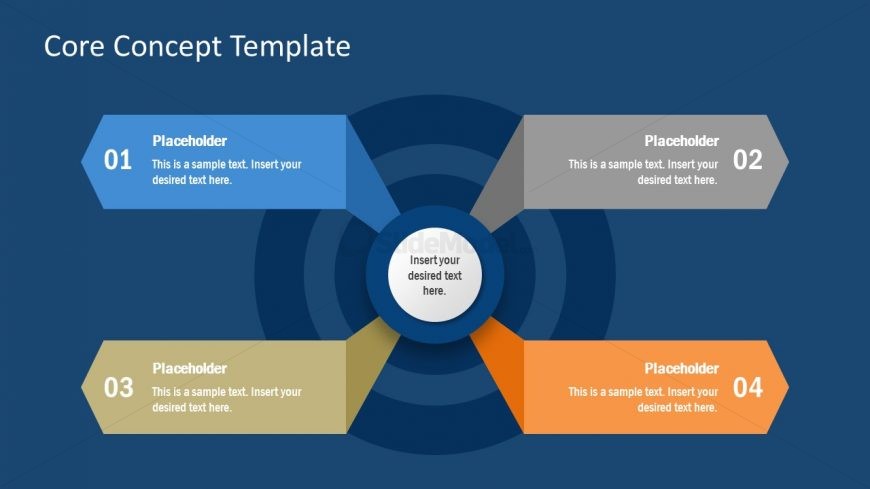
The slide features a central circular node surrounded by four outwardly extending shapes. Each shape is a different color: blue, gray, orange, and beige. The central node contains a text placeholder for key information. Each outer shape has a number and a text placeholder aligned to the left, indicating a sequence. The background is a dark blue color, creating contrast with the lighter shapes. The visual hierarchy emphasizes the central node, while the outer shapes are equally spaced around it, creating a balanced layout.
How to Use It
This layout serves as a core concept diagram, ideal for presenting key ideas or components related to a central theme. It fits well in a presentation sequence after introducing a problem or concept, providing clarity on main points. Business scenarios include summarizing project phases, outlining strategic initiatives, or detailing product features. The structured arrangement allows for easy comprehension of relationships between the central idea and supporting elements.
Text Placeholders & Capacity
Keep your copy within these limits so it fits without resizing. Node labels can hold about 5-7 words each.
| Placeholder | Count | Max characters (approx.) |
|---|---|---|
| Item heading | 4 | 30 |
| Item body | 4 | 50 |
| Body paragraph | 1 | 40 |
| Slide title | 1 | 40 |
Slide Keywords
Download unlimited PowerPoint templates, charts and graphics for your presentations with our annual plan.
DOWNLOADReturn to Free Core Concept Diagram for PowerPoint.