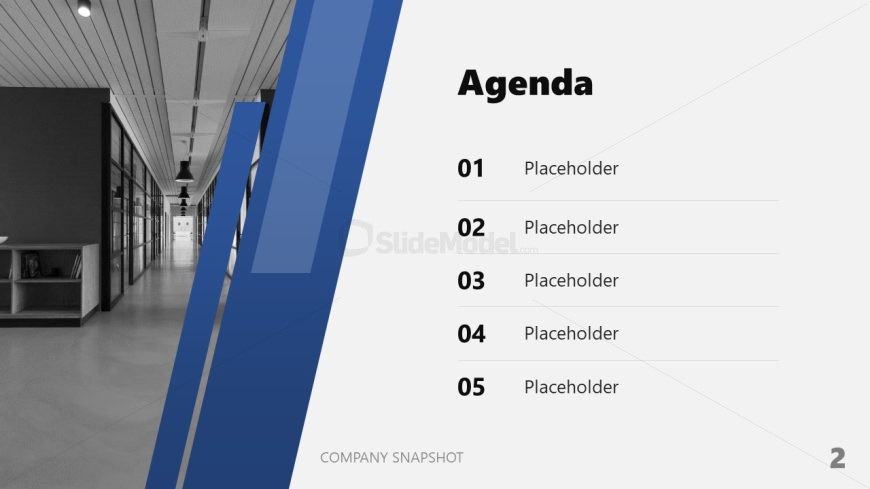
Slide 2 of 10 from Free Company Snapshot PowerPoint Template
Company Snapshot Template for PowerPoint
Agenda Slide for Company Snapshot Presentation
- Text Layout
- Bullet List
- Agenda Slide
- 16:9
- 100% Editable
What’s on This Slide
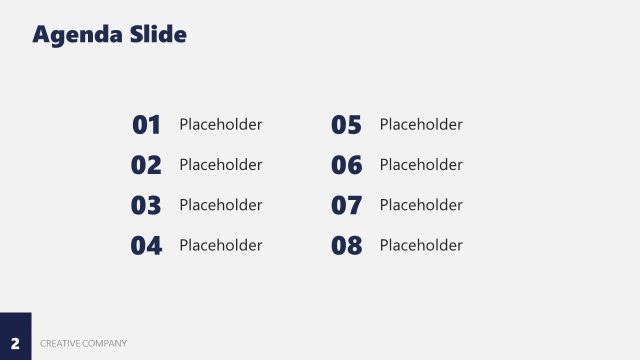
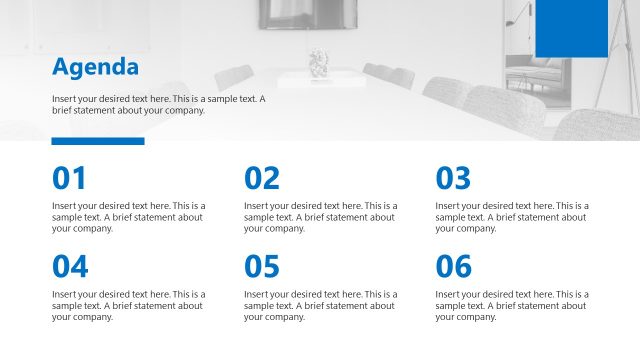
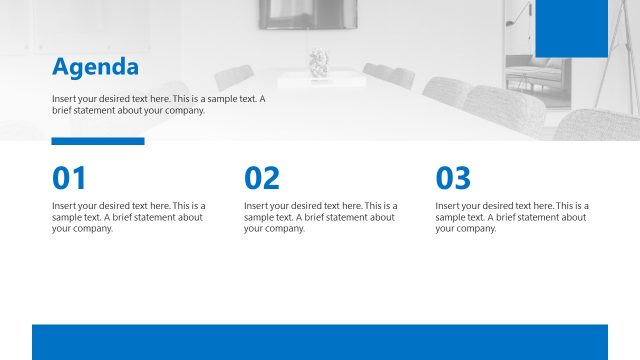
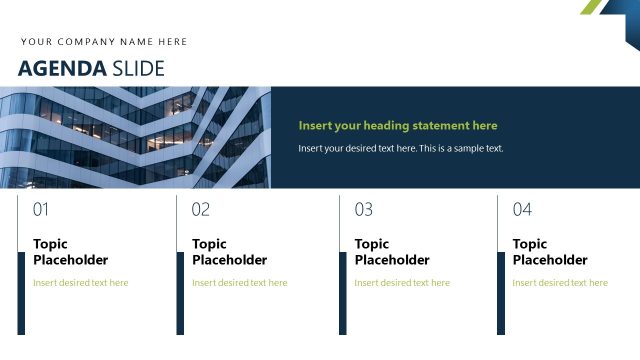
The layout features a vertical split with a left section containing a background image of an office corridor. The right section has a white background with a bold title labeled 'Agenda' at the top. Below the title, there are five numbered placeholders for agenda items, aligned vertically. The numbers are positioned to the left of each placeholder, creating a clear visual hierarchy. The left section includes blue diagonal shapes that add a dynamic element to the design. Overall, the composition balances imagery and text effectively.
How to Use It
This layout serves as an agenda slide, providing a clear overview of topics to be discussed. It fits well in the early part of a presentation, typically following an introductory slide. This structure is useful for business meetings, project updates, or any presentation requiring a clear outline of discussion points. The placeholders allow for easy customization with specific agenda items relevant to the presentation context, ensuring clarity and focus for the audience.
Text Placeholders & Capacity
Keep your copy within these limits so it fits without resizing. Node labels can accommodate roughly 2-3 words each.
| Placeholder | Count | Max characters (approx.) |
|---|---|---|
| Slide title | 1 | 20 |
| Item heading | 5 | 15 |
Slide Keywords
Download unlimited PowerPoint templates, charts and graphics for your presentations with our annual plan.
DOWNLOADReturn to Free Company Snapshot PowerPoint Template.