Slide 14 of 21 from Free Company Profile PowerPoint Template
Free Company Business Process Slide
Business Process Steps Overview
- Diagram
- Process Flow
- Process Slide
- 16:9
- 100% Editable
What’s on This Slide
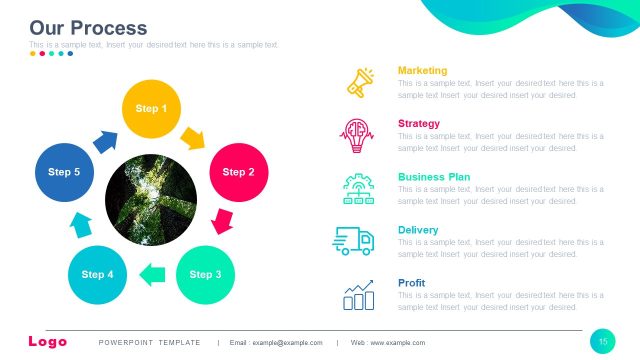
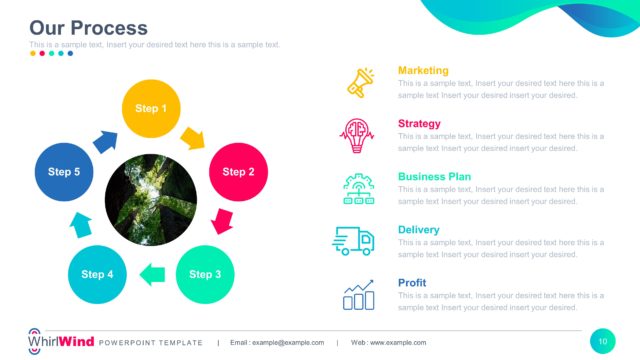
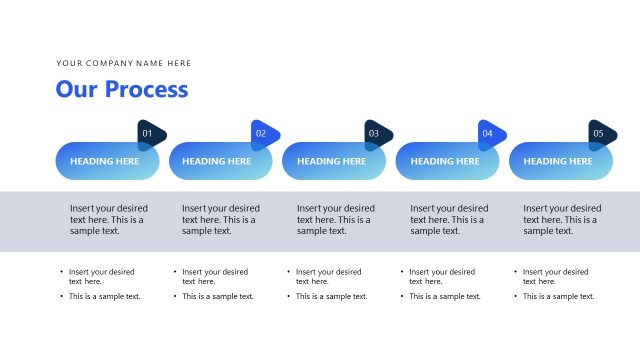
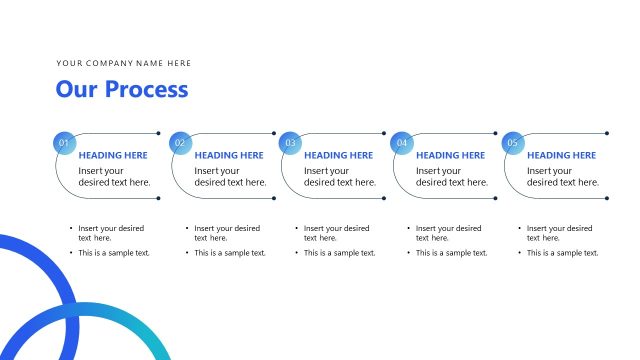
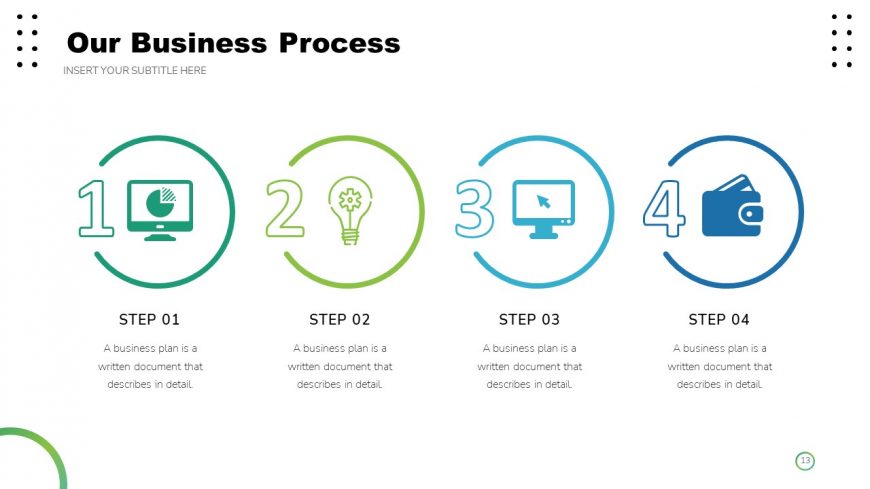
The layout features four circular nodes aligned horizontally across the slide. Each node contains a number and an icon representing a step in the business process. The first node on the left has a green color scheme, followed by a yellow-green, light blue, and dark blue for the last node. Below each node is a label indicating the step number and a brief description. There is a title at the top left, and a subtitle placeholder directly beneath it. The background is white with a subtle dotted pattern on the right side.
How to Use It
This layout serves as a sequential process diagram, ideal for presenting a series of steps in a business plan. It fits well after introductory slides and before detailed explanations of each step. This structure is useful for business presentations, project management discussions, or training sessions where a clear progression of actions is required. Each step can be elaborated upon in subsequent slides, making it a versatile tool for various business contexts.
Text Placeholders & Capacity
Keep your copy within these limits so it fits without resizing. Node body slots can hold about 15-20 words each.
| Placeholder | Count | Max characters (approx.) |
|---|---|---|
| Slide title | 1 | 50 |
| Item heading | 4 | 30 |
| Item body | 4 | 100 |
Slide Keywords
Download unlimited PowerPoint templates, charts and graphics for your presentations with our annual plan.
DOWNLOADReturn to Free Company Profile PowerPoint Template.