Slide 9 of 21 from Free Company Profile PowerPoint Template
Company Profile Vertical Timeline PowerPoint
Company Timeline Slide for Presentations
- Diagram
- Timeline Vertical
- Timeline Slide
- 16:9
- 100% Editable
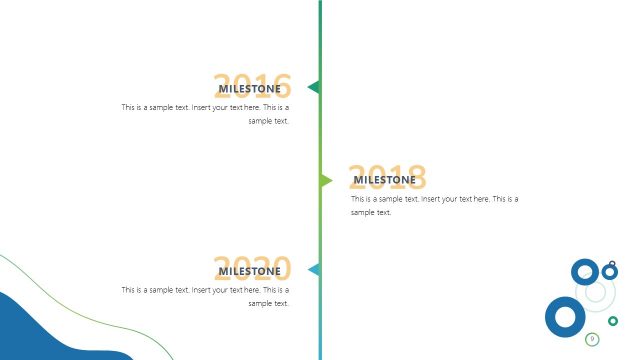
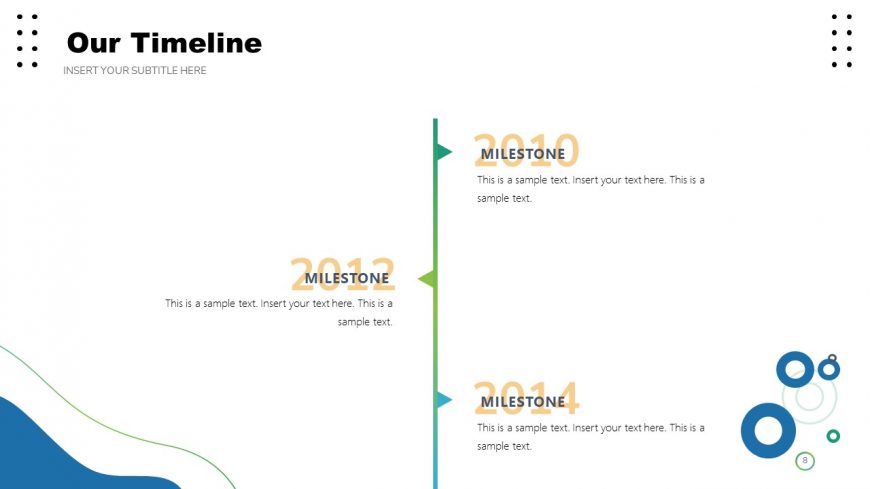
The Timeline Overview slide from the Free Company Profile PowerPoint Template offers a visually engaging way to present project timelines and company history. This editable slide features a vertical timeline with key milestones, making it ideal for illustrating event milestones and progress in a corporate presentation.
What’s on This Slide
The layout features a vertical timeline centered on the slide. Key milestones are placed on the left and right sides, with years labeled prominently above each milestone. Each milestone includes a title and a text placeholder below for additional details. The timeline is visually connected by a vertical line running through the center, with arrows pointing to each milestone. Circular shapes are positioned at the bottom right corner, adding a decorative element. The background includes a gradient with blue and green tones, enhancing the overall composition.
How to Use It
This layout serves as a timeline to illustrate key events or milestones in a chronological order. It is effective in presentations that require a historical overview or project timeline. This slide fits well after an introduction or problem-framing slide, providing context for the audience. It can be used in business scenarios such as project updates, company history presentations, or product development timelines, allowing for clear communication of progress over time.
Text Placeholders & Capacity
Keep your copy within these limits so it fits without resizing. Node body slots can accommodate roughly 30 words each.
| Placeholder | Count | Max characters (approx.) |
|---|---|---|
| Slide title | 1 | 30 |
| Subtitle | 1 | 50 |
| Item heading | 3 | 10 |
| Item body | 3 | 150 |
Slide Keywords
Download unlimited PowerPoint templates, charts and graphics for your presentations with our annual plan.
DOWNLOADReturn to Free Company Profile PowerPoint Template.