Slide 1 of 1 from Free Circular Fan Blade PowerPoint Template
Free Circular Fan Blade Presentation Template
Circular Fan Blade Diagram for Presentations
- Diagram
- Circular Cycle
- Process Slide
- 16:9
- 100% Editable
What’s on This Slide
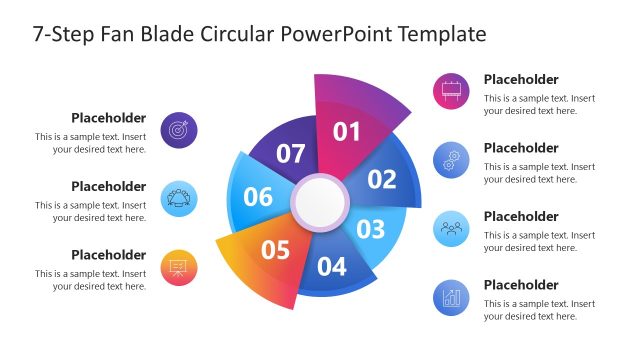
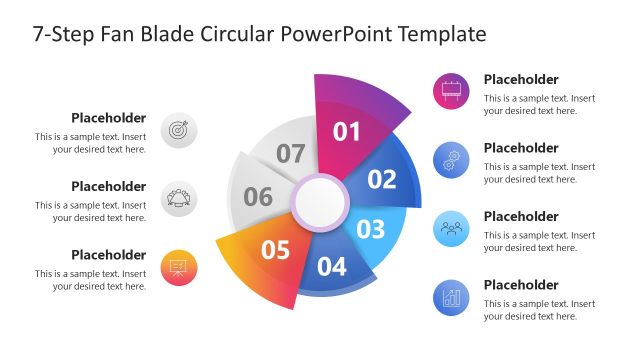
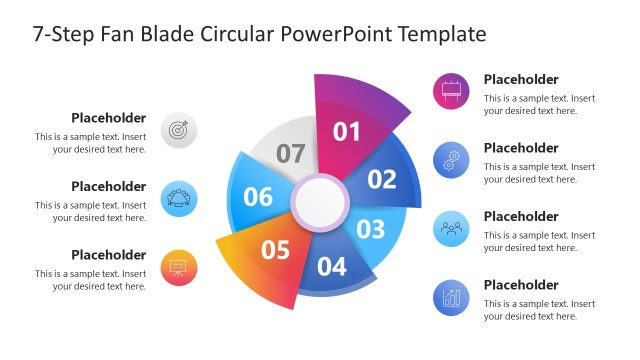
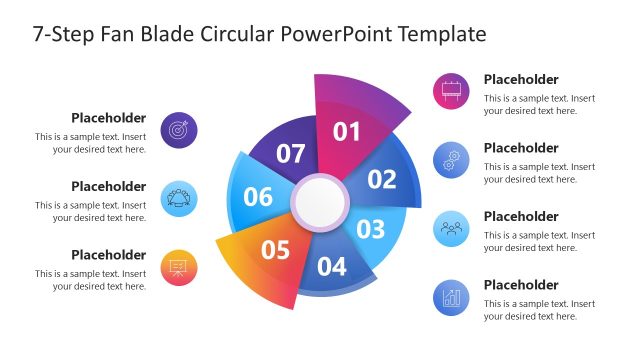
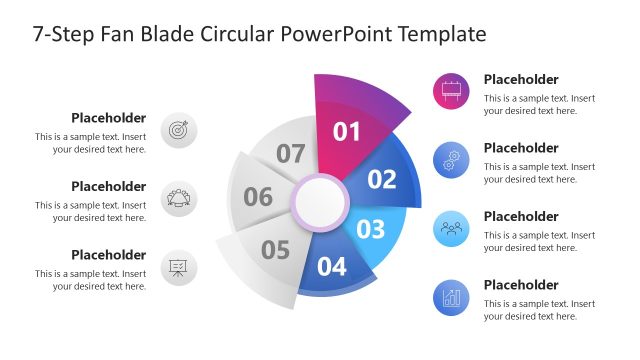
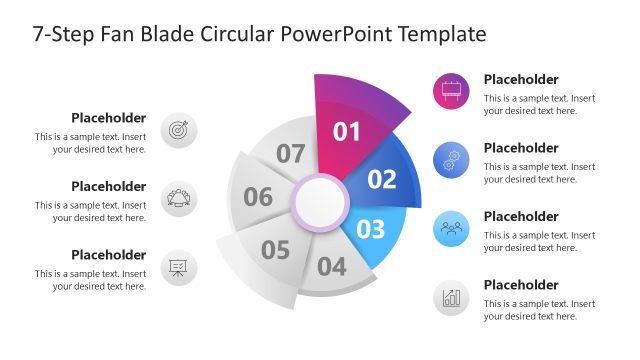
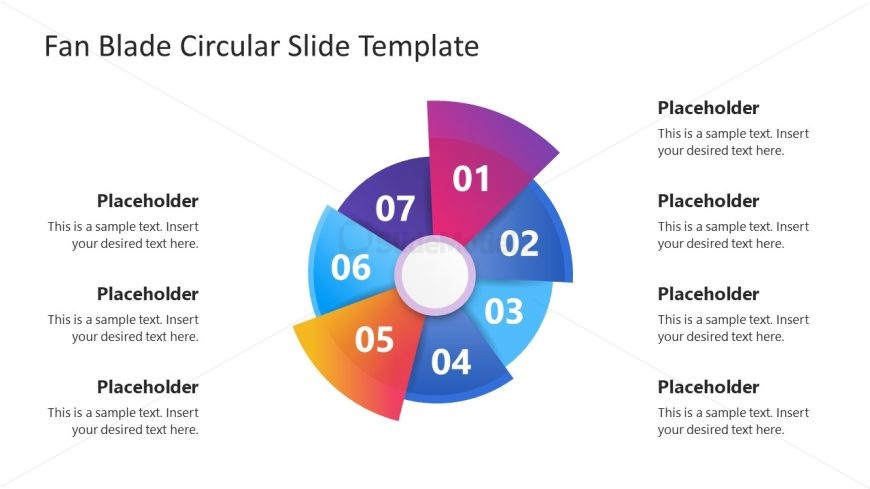
The layout features a circular diagram divided into seven segments, each labeled with numbers from 01 to 07. The segments are arranged in a clockwise direction, with varying colors including blue, purple, pink, orange, and yellow. In the center, there is a circular placeholder for additional content. Each segment has a corresponding text placeholder positioned to the right, aligned vertically. The overall composition is balanced, with a clear visual hierarchy emphasizing the numbered segments and their associated text placeholders.
How to Use It
This layout serves as a circular fan blade diagram, ideal for illustrating processes or concepts with multiple components. It fits well in presentations that require a visual breakdown of steps or phases, such as project timelines, marketing strategies, or product features. This structure is particularly useful for business scenarios where a clear, segmented overview is needed, allowing for easy comprehension of complex information in a visually engaging manner.
Text Placeholders & Capacity
Keep your copy within these limits so it fits without resizing. Node body slots can hold roughly 8-10 words each.
| Placeholder | Count | Max characters (approx.) |
|---|---|---|
| Item heading | 7 | 2 |
| Item body | 7 | 50 |
Slide Keywords
Download unlimited PowerPoint templates, charts and graphics for your presentations with our annual plan.
DOWNLOADReturn to Free Circular Fan Blade PowerPoint Template.