Slide 1 of 1 from Free Circular Diagram Slide for PowerPoint
free-circular-diagram-for-powerpoint
Free Circular Diagram for Presentations
- Diagram
- Circular Cycle
- Process Slide
- 16:9
- 100% Editable
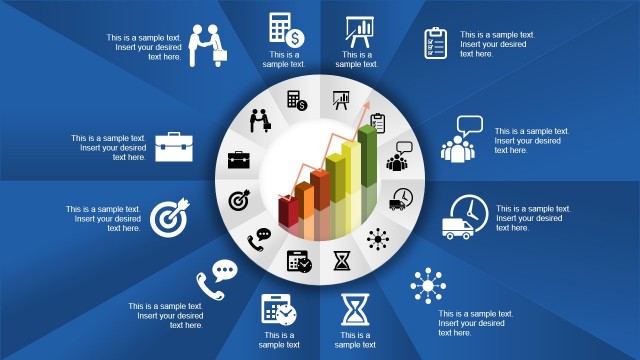
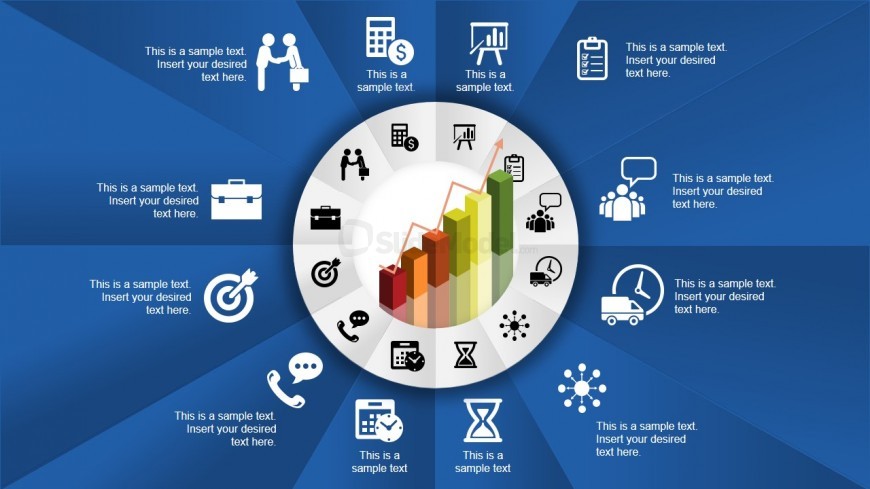
The Circular Process Diagram with Icons slide from the Free Circular Diagram Slide for PowerPoint template offers a clear visual layout for business presentation needs. This editable slide features a central growth chart surrounded by 12 icon segments, ideal for illustrating interconnected processes or marketing strategies in a corporate presentation or pitch deck template. Its design supports effective communication of complex workflows using editable shapes and vector icons.
What’s on This Slide
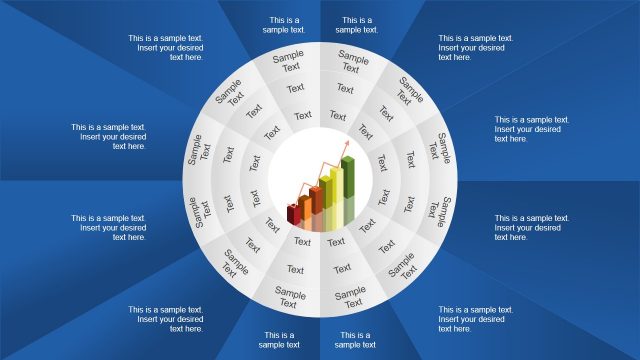
The slide features a central circular diagram with a growth bar chart in the middle. Surrounding the chart are 12 icon segments, each representing different concepts, positioned evenly around the circle. Each segment contains a text placeholder aligned centrally within it. The background is a gradient of blue tones, creating a visually appealing contrast with the white circular diagram. The icons include various business-related symbols, such as a briefcase, graph, and people. The overall layout emphasizes a clear visual hierarchy, directing attention to the central chart.
How to Use It
This layout serves as a circular process diagram, ideal for illustrating interconnected concepts or stages in a business context. It fits well in presentations that require a visual summary of processes, strategies, or product features. Suitable scenarios include project overviews, marketing strategies, or operational workflows. The circular format allows for easy understanding of relationships between different elements, making it effective for team discussions or stakeholder presentations.
Text Placeholders & Capacity
Keep your copy within these limits so it fits without resizing. Node text slots can accommodate roughly 30 characters each.
| Placeholder | Count | Max characters (approx.) |
|---|---|---|
| Item body | 12 | 30 |
Slide Keywords
Download unlimited PowerPoint templates, charts and graphics for your presentations with our annual plan.
DOWNLOADReturn to Free Circular Diagram Slide for PowerPoint.