Slide 2 of 5 from Free Circles Concept Diagram for PowerPoint
FF0040-01-circles-concept-diagram-2
Circle Concept Diagram for PowerPoint
- Diagram
- Circular Cycle
- Process Slide
- 16:9
- 100% Editable
The Circle Concept Diagram slide from the Free Circles Concept Diagram for PowerPoint template offers a clear circular flow layout ideal for illustrating iterative processes in business presentations. This slide uses editable shapes and vector icons arranged in a clockwise cycle to highlight project management or product development stages. Its balanced design with a text placeholder supports detailed explanations, making it a practical choice for slide decks that require visualizing step-by-step workflows.
What’s on This Slide
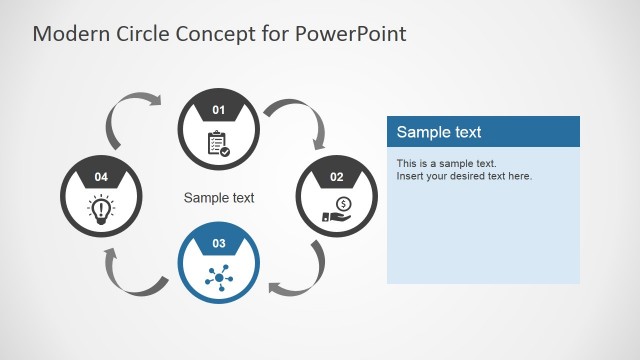
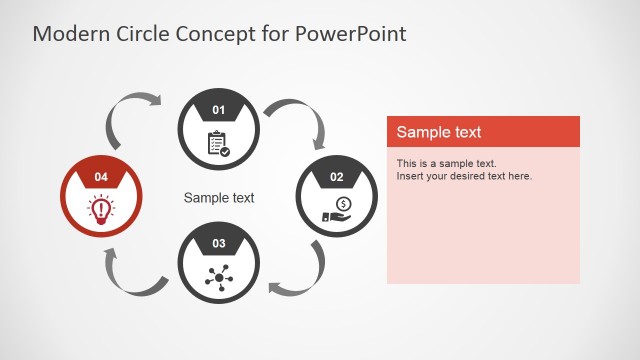
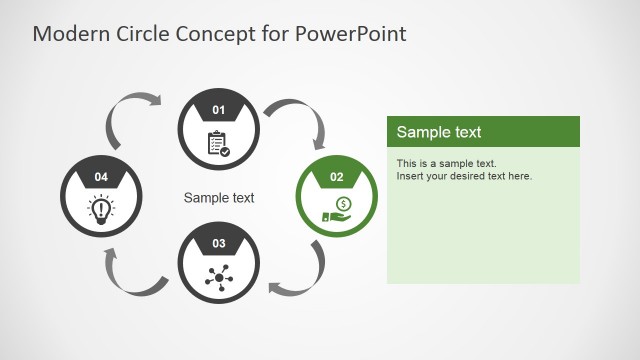
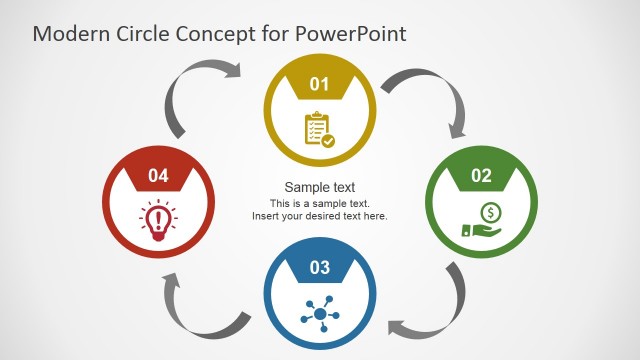
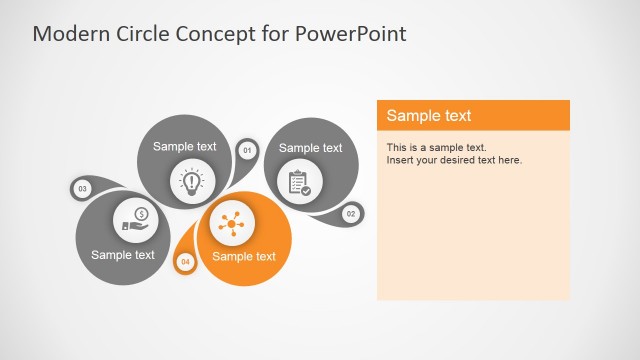
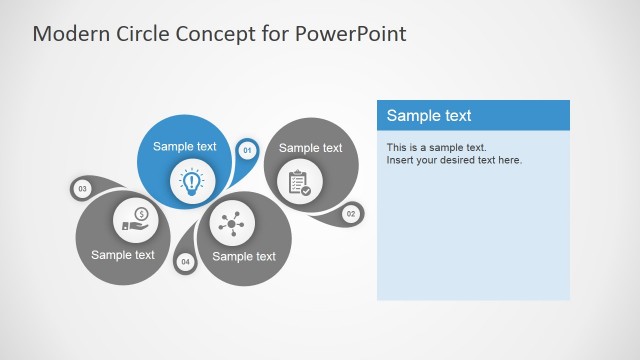
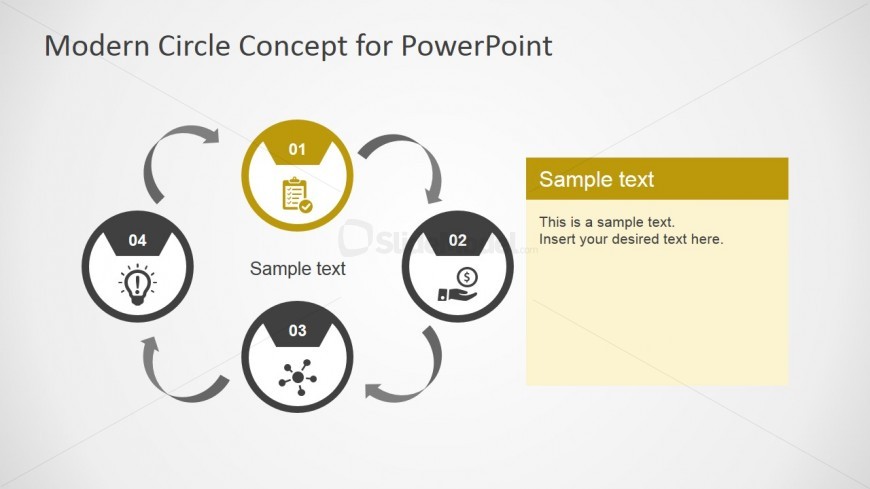
The layout features a circular flow diagram with four nodes arranged in a clockwise direction. Each node is a circle containing a number and an icon, with the first node highlighted in yellow. Arrows connect the nodes, indicating the flow direction. A text placeholder is positioned on the right side, with a yellow background, labeled 'Sample text.' This placeholder is aligned vertically and can accommodate multiple lines of text. The overall composition is balanced, with a light background enhancing the visibility of the elements.
How to Use It
This layout serves as a process flow diagram, ideal for illustrating a four-step cycle or iterative process. It fits well after a problem framing slide and before a roadmap or solution slide in a presentation sequence. Real-world applications include project management, product development, or any scenario requiring a step-by-step explanation of a cyclical process. The layout allows for clear communication of each stage's importance and interconnection.
Text Placeholders & Capacity
Keep your copy within these limits so it fits without resizing. Body slots can hold approximately 20-30 words each.
| Placeholder | Count | Max characters (approx.) |
|---|---|---|
| Slide title | 1 | 30 |
| Item heading | 4 | 10 |
| Item body | 4 | 20 |
| Body paragraph | 1 | 150 |
Slide Keywords
Download unlimited PowerPoint templates, charts and graphics for your presentations with our annual plan.
DOWNLOADReturn to Free Circles Concept Diagram for PowerPoint.