Slide 2 of 5 from Free Chevron Head Diagram for PowerPoint
Slide of 4 Step Chevron Segments
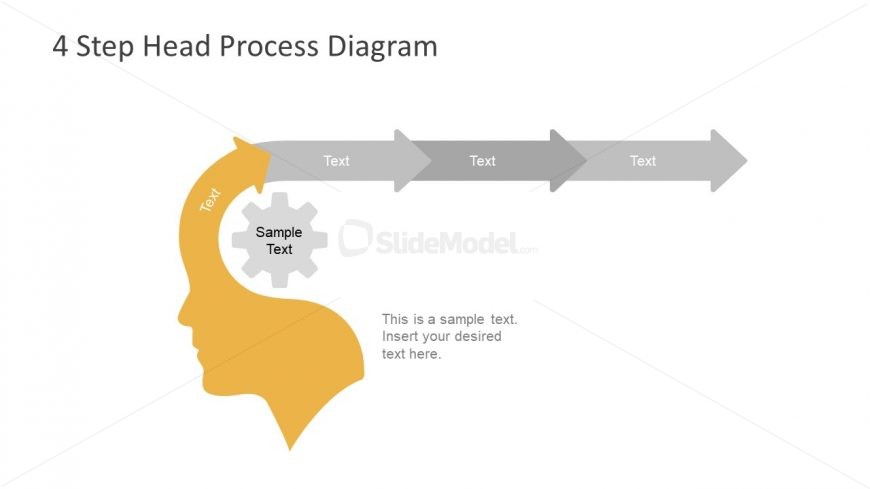
4 Step Head Process Diagram for Presentations
- Diagram
- Process Flow
- Process Slide
- 16:9
- 100% Editable
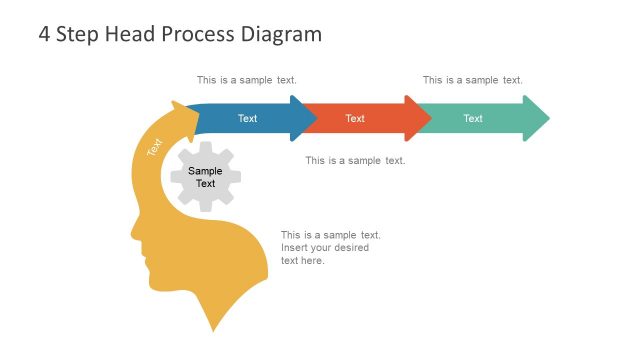
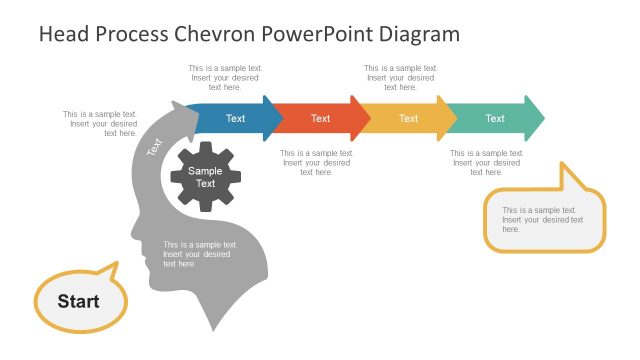
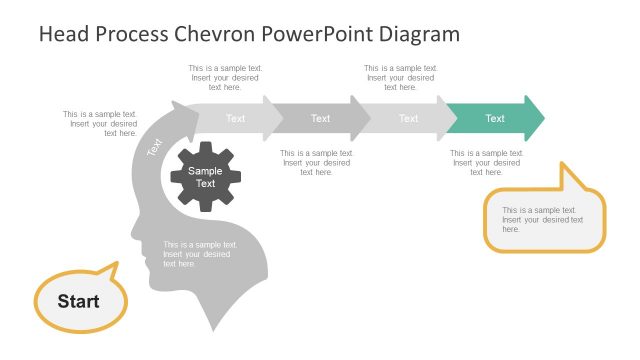
The 4 Step Head Process Diagram slide from the Free Chevron Head Diagram for PowerPoint template offers a clear visual for illustrating workflows and project steps. Featuring editable shapes and vector icons, this slide template supports concise communication of methodologies within business presentations or pitch decks. Its design integrates a head silhouette with process arrows, making it suitable for corporate presentations requiring structured process explanation using professional slide templates.
What’s on This Slide
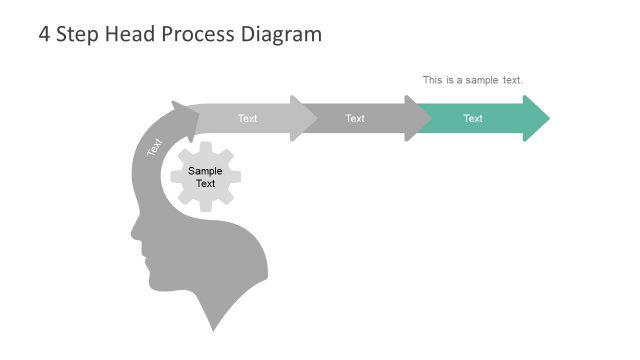
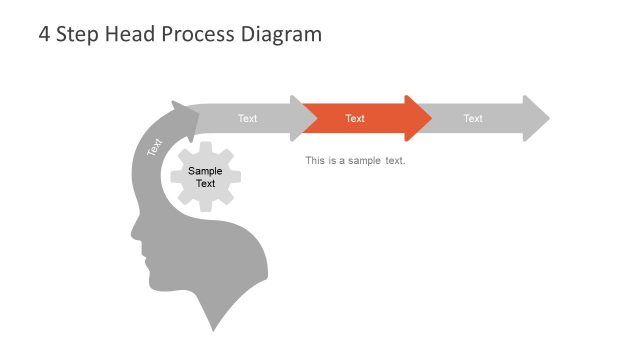
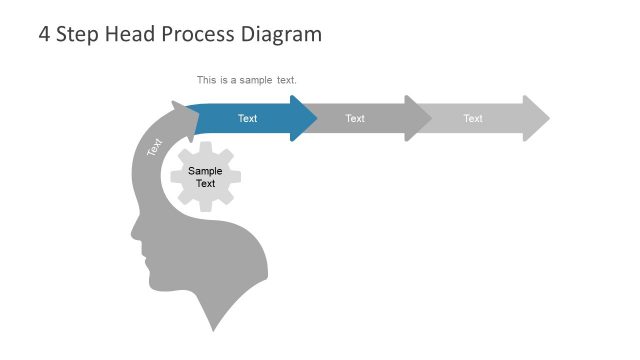
The layout features a large silhouette of a head on the left, colored in yellow. Inside the head, a gear icon is present, indicating a process. To the right, four horizontal arrows point right, each accompanied by text placeholders. The first arrow is slightly larger, while the others are uniform in size. Text placeholders are aligned centrally within the arrows, and a larger text placeholder is positioned below the head silhouette. The background is white, creating a clear contrast with the yellow and gray elements.
How to Use It
This layout serves as a process flow diagram, ideal for illustrating sequential steps in a project or concept. It fits well after an introductory slide, providing a visual representation of a process. This structure is useful in business presentations to outline methodologies, workflows, or decision-making processes, allowing for clear communication of complex ideas in a straightforward manner.
Text Placeholders & Capacity
Keep your copy within these limits so it fits without resizing. Node labels can hold about 10 characters each, while the body text can accommodate around 50 characters.
| Placeholder | Count | Max characters (approx.) |
|---|---|---|
| Slide title | 1 | 30 |
| Item heading | 4 | 10 |
| Item body | 1 | 50 |
Slide Keywords
Download unlimited PowerPoint templates, charts and graphics for your presentations with our annual plan.
DOWNLOADReturn to Free Chevron Head Diagram for PowerPoint.