Slide 2 of 2 from Free Certificate Template for PowerPoint
PPT Certificate Slide Template for Presentation
Free Certificate Template for PowerPoint
- Text Layout
- Single Statement
- Closing Slide
- 16:9
- 100% Editable
What’s on This Slide
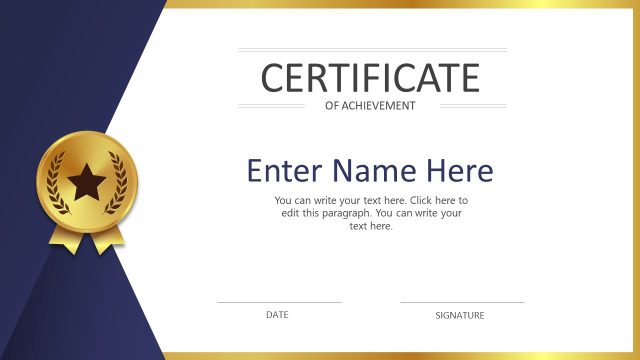
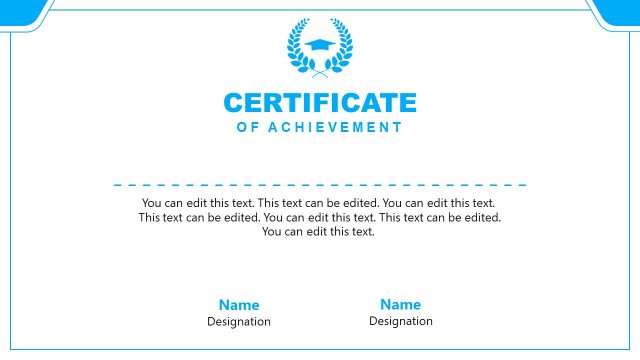
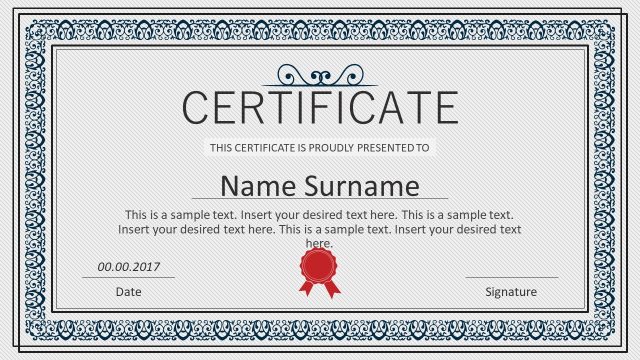
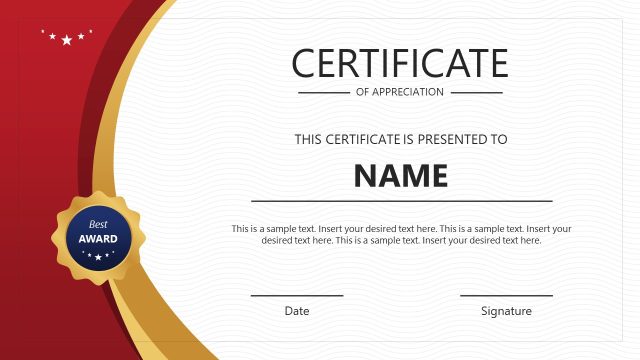
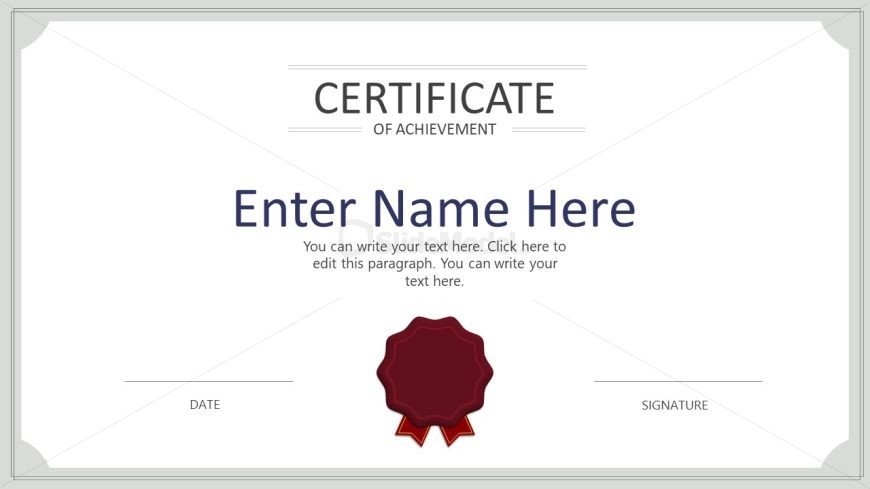
The layout features a centered title at the top reading 'CERTIFICATE OF ACHIEVEMENT' in a bold font. Below this, a large text placeholder labeled 'Enter Name Here' is prominently displayed in the center, allowing for customization. Beneath the name placeholder, there is a smaller text area for additional text, providing space for details about the achievement. At the bottom left, there is a placeholder for the date, and at the bottom right, a placeholder for the signature. A decorative seal icon is positioned below the name placeholder, adding a formal touch to the design. The overall color scheme is neutral with a light gray border.
How to Use It
This layout serves as a certificate template, ideal for recognizing achievements in educational or professional contexts. It fits well at the end of a presentation, providing a formal acknowledgment of accomplishments. This design can be used in various scenarios, such as award ceremonies, training completions, or employee recognitions. The structure allows for easy customization of names and details, making it suitable for both individual and group recognitions. It is particularly useful in settings where formal documentation of achievements is required.
Text Placeholders & Capacity
Keep your copy within these limits so it fits without resizing. Body slots can accommodate around 25-30 words each.
| Placeholder | Count | Max characters (approx.) |
|---|---|---|
| Slide title | 1 | 30 |
| Body paragraph | 1 | 150 |
| Footer | 2 | 20 |
| Item heading | 1 | 20 |
Slide Keywords
Download unlimited PowerPoint templates, charts and graphics for your presentations with our annual plan.
DOWNLOADReturn to Free Certificate Template for PowerPoint.