Slide 2 of 4 from Free Career Path PowerPoint Template
Career Path Free PowerPoint Template
Career Path Chart Slide Template
- Diagram
- Comparison Split
- Process Slide
- 16:9
- 100% Editable
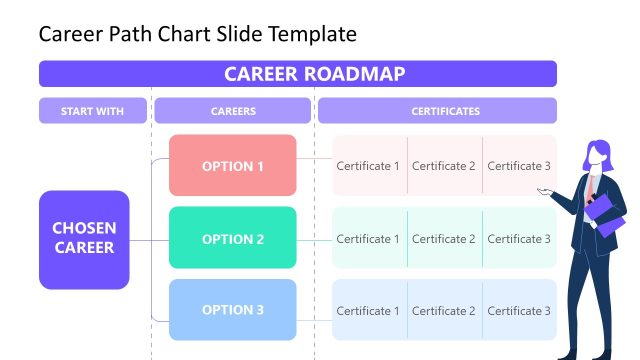
The Career Path Chart slide from the Free Career Path PowerPoint Template provides a structured visual for career planning. This diagram effectively illustrates various career options, making it ideal for educational presentations, corporate training, and job fairs. With its clear layout and editable shapes, users can easily customize the content to fit their specific needs, enhancing the overall impact of their business presentation.
What’s on This Slide
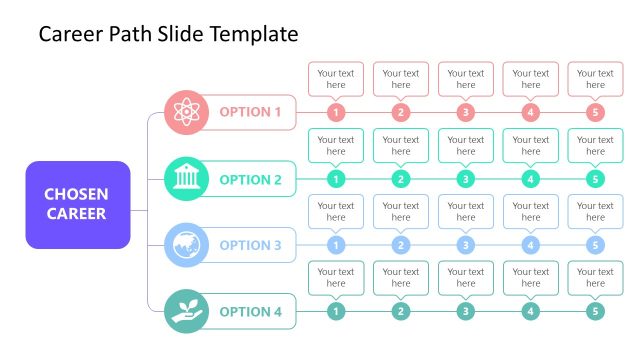
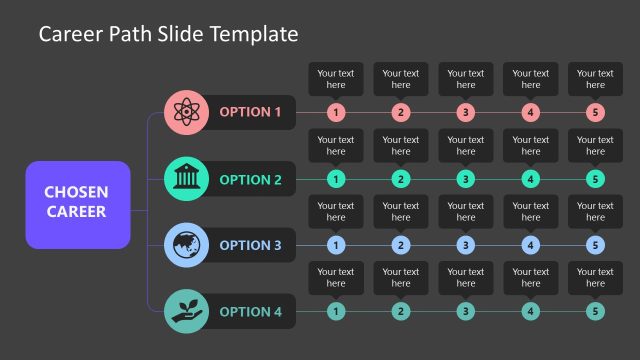
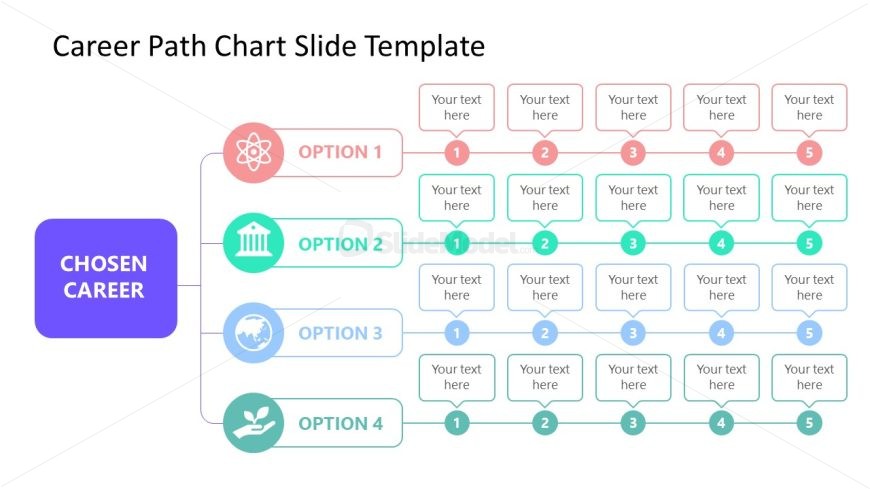
The layout features a central box labeled 'CHOSEN CAREER' in purple, flanked by four horizontal rows. Each row represents an option with a circular icon on the left, followed by five text placeholders aligned horizontally. The icons are colored differently, with Option 1 in red, Option 2 in green, Option 3 in blue, and Option 4 in teal. Text placeholders are evenly spaced, allowing for titles or descriptions. The overall composition is structured, emphasizing the central career choice while providing options for elaboration.
How to Use It
This layout functions as a career path comparison chart, suitable for illustrating different career options and their corresponding steps. It fits well in a presentation sequence after introducing a career topic and before discussing specific paths. This slide is useful in career counseling, educational settings, or corporate training sessions where multiple career trajectories need to be presented clearly and effectively.
Text Placeholders & Capacity
Keep your copy within these limits so it fits without resizing. Node labels can hold about 20 characters each, while body text can accommodate roughly 30 characters.
| Placeholder | Count | Max characters (approx.) |
|---|---|---|
| Item heading | 4 | 20 |
| Item body | 20 | 30 |
| Slide title | 1 | 30 |
Slide Keywords
Download unlimited PowerPoint templates, charts and graphics for your presentations with our annual plan.
DOWNLOADReturn to Free Career Path PowerPoint Template.