Slide 2 of 12 from Free Calendar 2017 Template
Free Project Calendar Planner 2017
February 2017 Calendar Template
- Table
- Comparison Table
- Resource Plan Slide
- 16:9
- 100% Editable
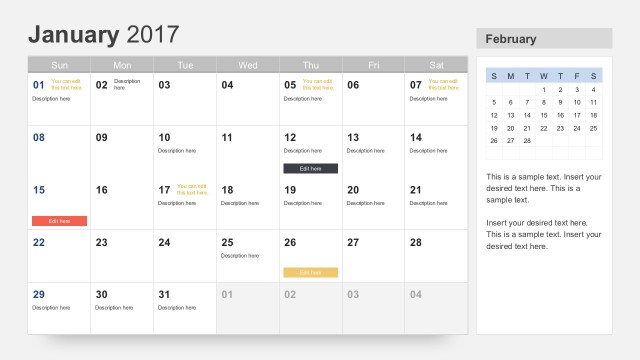
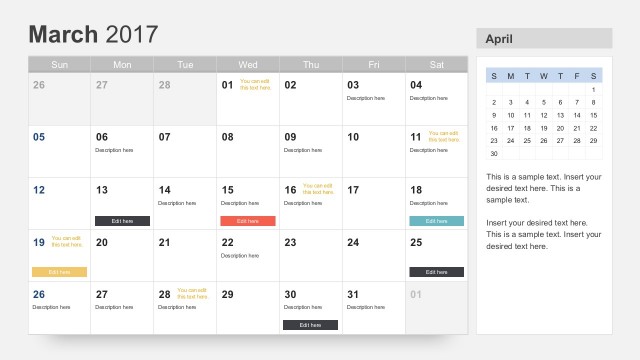
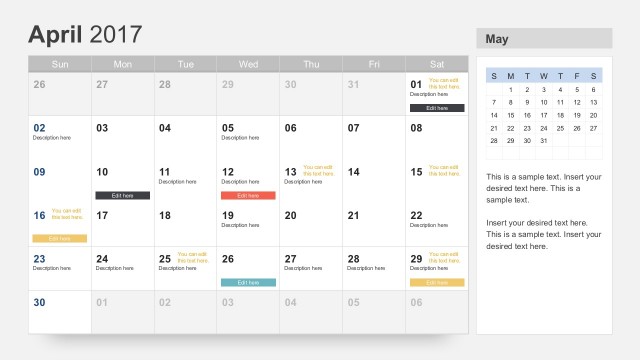
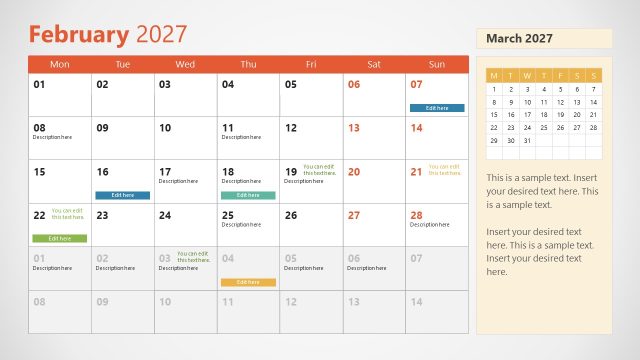
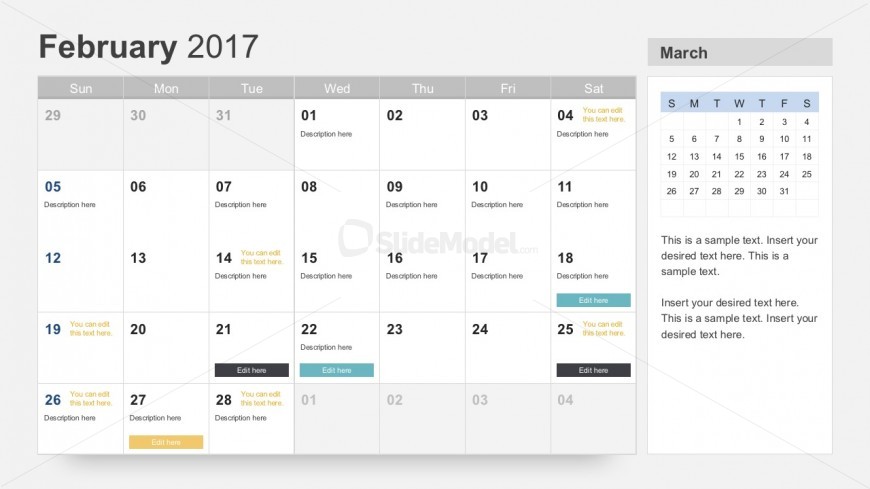
The February 2017 Calendar slide from the Free Calendar 2017 Template offers a structured layout ideal for monthly planning and event scheduling. Designed as an editable table, it supports clear visualization of project timelines and deadlines within business presentations or corporate slide decks. This slide integrates editable shapes and text placeholders, enabling customization for diverse planning needs in PowerPoint templates and Google Slides templates.
What’s on This Slide
The layout features a calendar for February 2017, organized into a grid with seven columns representing the days of the week. Each cell contains a date number, with some cells including editable text placeholders for descriptions. The calendar is positioned on the left side, occupying most of the slide, while a smaller section on the right displays a mini calendar for March 2017. The background is light gray, and the text is primarily black with some colored accents for emphasis. The overall composition is balanced, with clear visual hierarchy.
How to Use It
This layout serves as a monthly calendar, ideal for planning events, deadlines, or schedules. It fits well in presentations focused on annual planning or project timelines. The calendar format allows users to visually track important dates and tasks. This slide can be used in corporate settings for project management or personal planning contexts. It is effective for summarizing activities or deadlines in a clear, organized manner, making it suitable for various planning scenarios.
Text Placeholders & Capacity
Keep your copy within these limits so it fits without resizing. Node labels can hold up to 20 characters each, while body slots can accommodate around 30 characters.
| Placeholder | Count | Max characters (approx.) |
|---|---|---|
| Item heading | 42 | 20 |
| Item body | 10 | 30 |
| Body paragraph | 2 | 100 |
Slide Keywords
Download unlimited PowerPoint templates, charts and graphics for your presentations with our annual plan.
DOWNLOADReturn to Free Calendar 2017 Template.