Slide 3 of 4 from Free Business Pyramid Diagrams for PowerPoint
3 Levels Business Pyramid PowerPoint For Free
Business Pyramid Diagram for Presentations
- Diagram
- Pyramid
- Process Slide
- 16:9
- 100% Editable
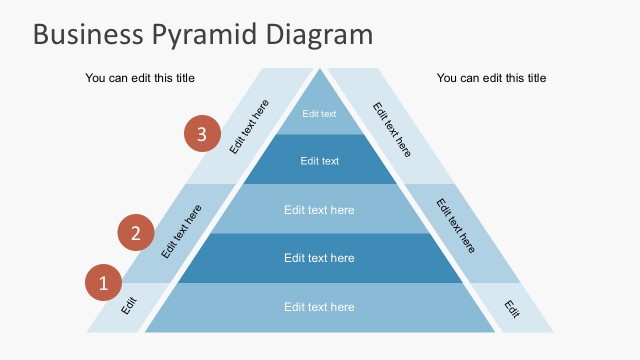
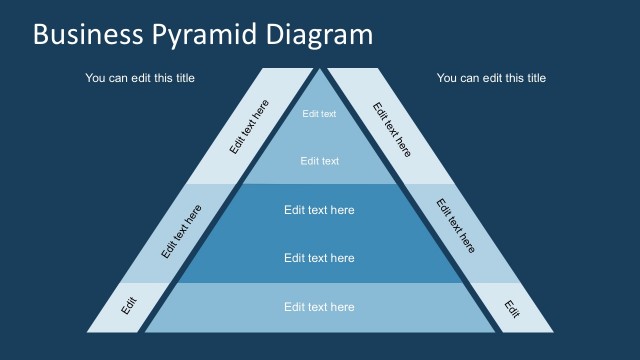
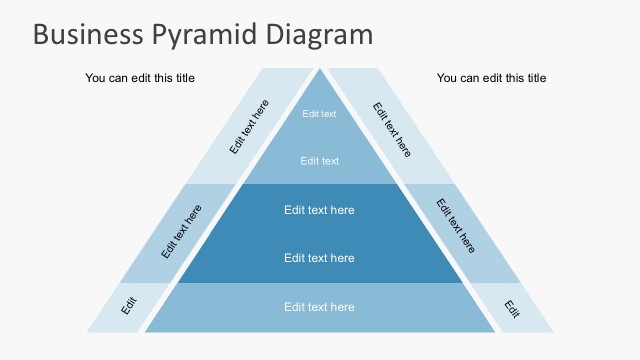
The Business Pyramid Diagram slide from the Free Business Pyramid Diagrams for PowerPoint template offers a clear hierarchical layout ideal for corporate presentations. This slide template uses editable shapes and vector icons arranged in a three-layer pyramid to effectively illustrate organizational structures, project phases, or strategic priorities. Its design supports business presentations and pitch deck templates by visually emphasizing process steps and priorities within a slide deck.
What’s on This Slide
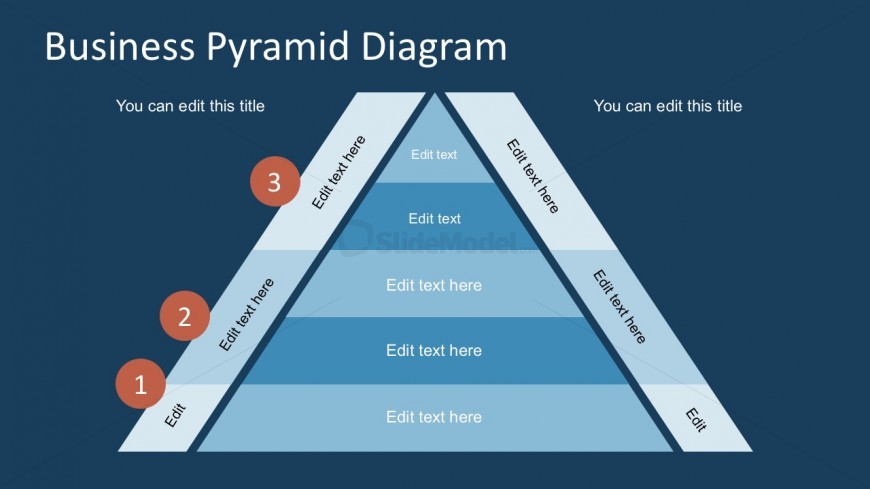
The slide features a pyramid diagram oriented with three horizontal layers. The pyramid is centered, with the top layer being the smallest and the bottom layer the largest. Each layer has a placeholder for text, aligned horizontally within the pyramid's segments. Circular nodes labeled '1', '2', and '3' are positioned on the left side, indicating the order of the layers. The background is a dark blue, while the pyramid is composed of lighter blue shades. Text placeholders are present at the top and bottom for titles.
How to Use It
This layout serves as a hierarchical representation, ideal for illustrating business concepts or processes in a structured manner. It fits well in a presentation sequence following introductory content, helping to clarify complex ideas. Scenarios include presenting organizational structures, project phases, or strategic plans. The pyramid format visually emphasizes the importance of each layer, making it suitable for conveying priorities or steps in a process.
Text Placeholders & Capacity
Keep your copy within these limits so it fits without resizing. Node body slots can hold about 20 characters each.
| Placeholder | Count | Max characters (approx.) |
|---|---|---|
| Slide title | 1 | 30 |
| Item heading | 3 | 15 |
| Item body | 6 | 20 |
Slide Keywords
Download unlimited PowerPoint templates, charts and graphics for your presentations with our annual plan.
DOWNLOAD