Slide 4 of 7 from Free Artificial Intelligence Slide Template for PowerPoint
Free AI Presentation Template
Robot Character Slide for AI Presentations
- Media Layout
- Other
- Context Slide
- 16:9
- 100% Editable
What’s on This Slide
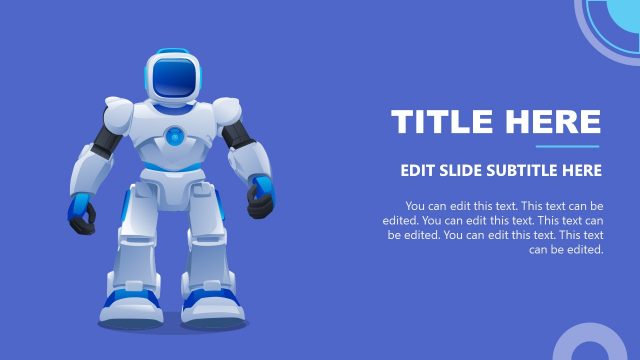
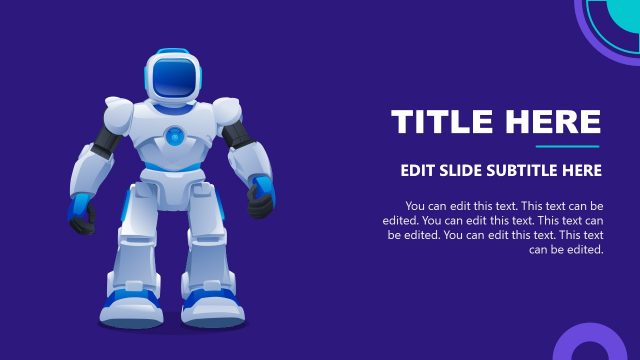
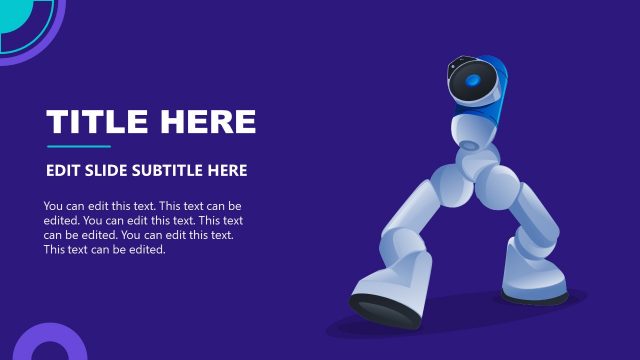
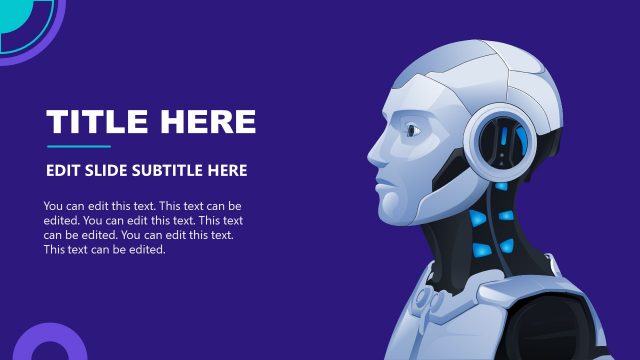
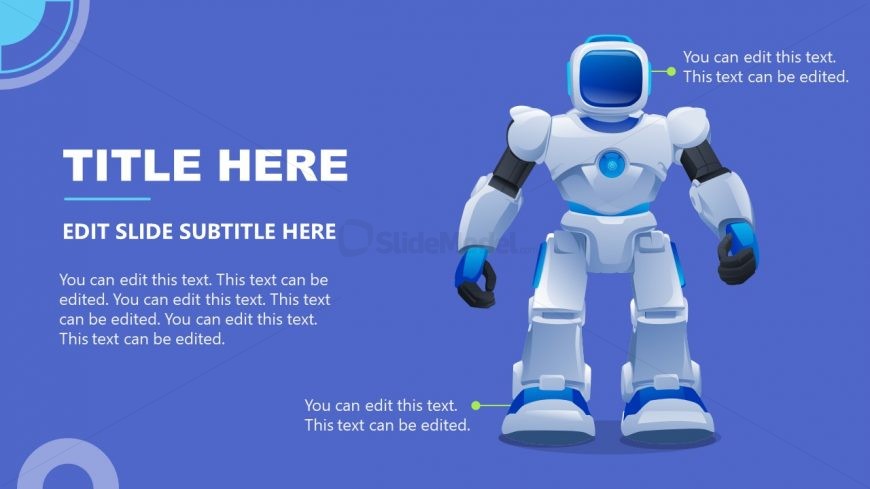
The slide features a robot character positioned on the right side, occupying a significant portion of the layout. The background is a solid blue color with circular shapes in lighter shades on the left. The title placeholder is large and bold, aligned to the left, while a subtitle placeholder is smaller and placed directly below it. Additional text placeholders are scattered around the robot, allowing for multiple lines of editable content. The overall composition is balanced, with the robot serving as a focal point against the background.
How to Use It
This layout serves as an engaging introduction or overview slide, suitable for presentations on artificial intelligence or robotics. It can be used to highlight key points or concepts related to AI technology. In a presentation sequence, it fits well after introductory slides, setting the stage for deeper discussions. The layout is effective for showcasing a character or mascot that represents a brand or theme, making it ideal for educational or promotional contexts.
Text Placeholders & Capacity
Keep your copy within these limits so it fits without resizing. Body slots can hold about 15-20 words each.
| Placeholder | Count | Max characters (approx.) |
|---|---|---|
| Slide title | 1 | 30 |
| Subtitle | 1 | 50 |
| Body paragraph | 4 | 80 |
Slide Keywords
Download unlimited PowerPoint templates, charts and graphics for your presentations with our annual plan.
DOWNLOADReturn to Free Artificial Intelligence Slide Template for PowerPoint.