Slide 5 of 9 from Free Animated Business PowerPoint Template
Infographic Template of Product Features
Three Column Text Layout for Presentations
- Text Layout
- List Blocks
- Context Slide
- 16:9
- 100% Editable
The Three Column Text Layout from the Free Animated Business PowerPoint Template offers a structured way to compare features or outline process steps using editable shapes and vector icons. This slide template supports clear communication of key points in a corporate presentation or pitch deck template, enhancing the flow of business presentations with a balanced three-column design and distinct visual hierarchy.
What’s on This Slide
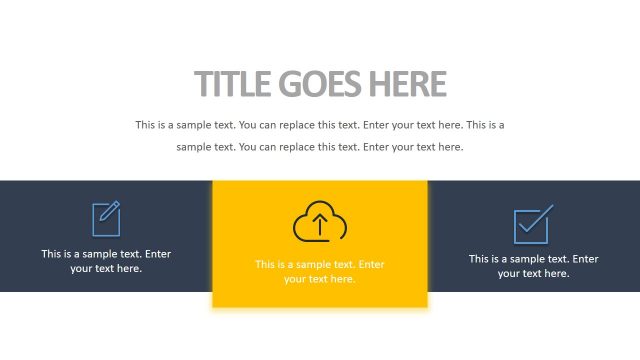
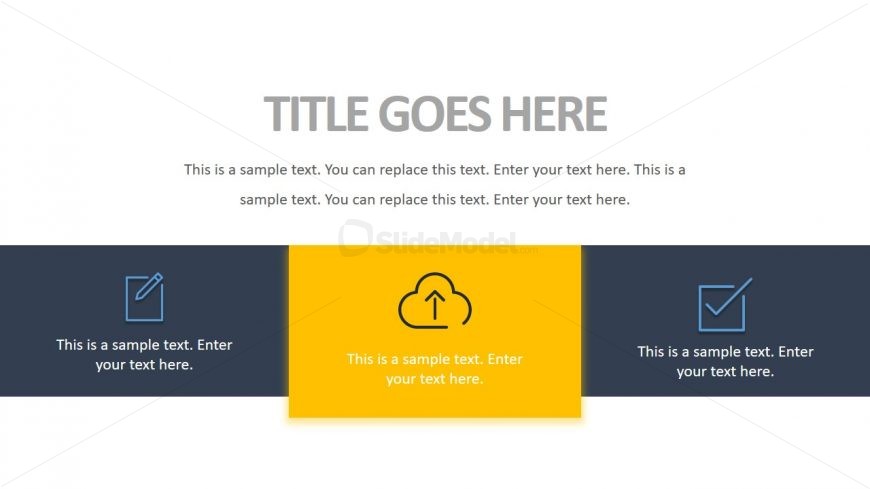
The layout features a top section with a large title placeholder centered above three columns. Each column contains a rectangular shape with an icon on the left and a text placeholder on the right. The left column has a pencil icon, the middle column has a cloud upload icon, and the right column has a checkmark icon. The middle column is highlighted with a yellow background, while the other two columns have a dark background. Text placeholders are aligned to the left within each column, providing a clear visual hierarchy.
How to Use It
This layout serves as a three-column comparison or information display. It is suitable for presenting key points, features, or steps in a process. This structure fits well in a presentation sequence after introducing a topic and before diving into detailed discussions. It can be used in business contexts such as project updates, product features, or process explanations, allowing for clear communication of multiple ideas simultaneously.
Text Placeholders & Capacity
Keep your copy within these limits so it fits without resizing. Body slots can hold roughly 10-12 words each.
| Placeholder | Count | Max characters (approx.) |
|---|---|---|
| Slide title | 1 | 30 |
| Body paragraph | 3 | 50 |
Slide Keywords
Download unlimited PowerPoint templates, charts and graphics for your presentations with our annual plan.
DOWNLOADReturn to Free Animated Business PowerPoint Template.