Slide 7 of 8 from Free 7 Step Pyramid Diagram
Agenda Slide in Pyramid Design
7 Step Pyramid Diagram for Presentations
- Diagram
- Pyramid
- Process Slide
- 16:9
- 100% Editable
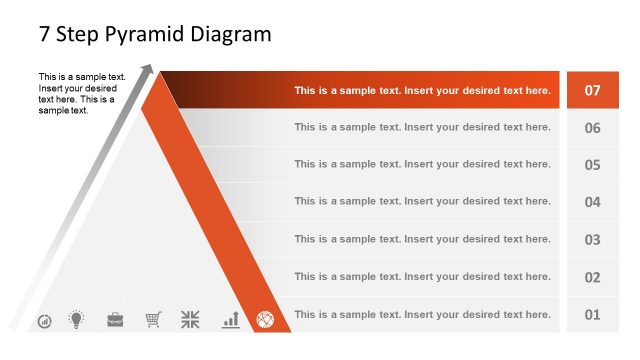
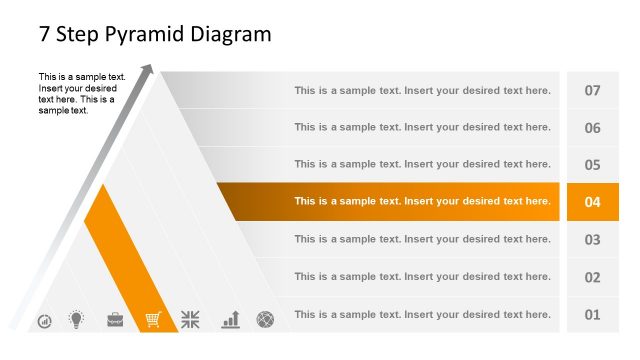
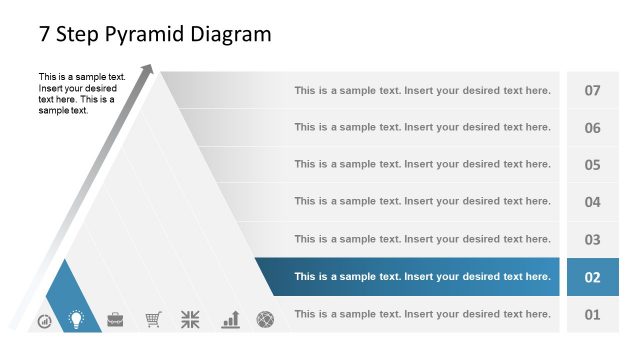
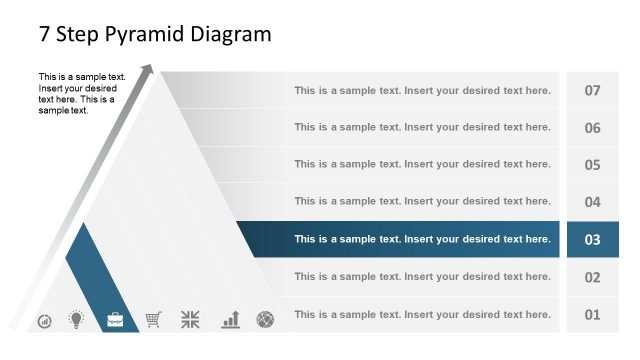
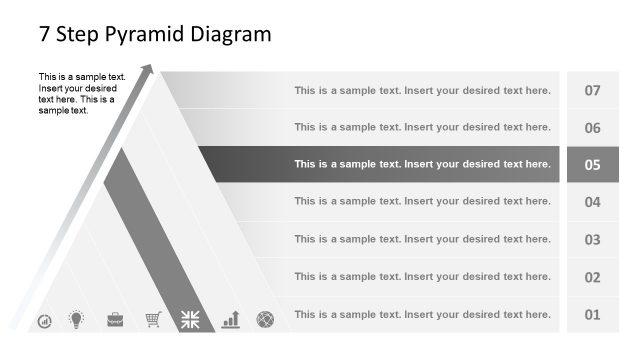
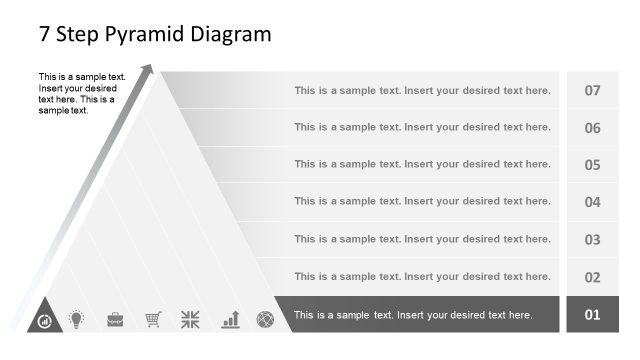
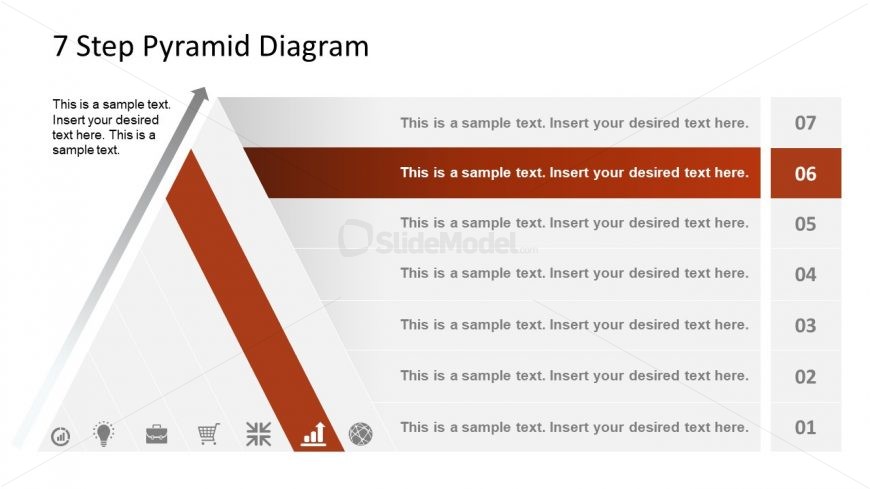
The 7 Step Pyramid Diagram slide from the Free 7 Step Pyramid Diagram template offers a clear visual process overview ideal for business presentations and strategic planning. This slide layout uses editable shapes and vector icons to highlight each step in a structured pyramid format, making it suitable for explaining project phases or methodologies in professional slide decks.
What’s on This Slide
The layout features a large triangular pyramid divided into seven horizontal segments. The pyramid is oriented with the apex at the top and the base at the bottom. Each segment contains a text placeholder aligned to the left, with a bold number indicating the step. The background is a gradient transitioning from light gray at the top to a darker shade at the bottom. Icons are positioned at the bottom left, representing various concepts. The visual hierarchy emphasizes the pyramid structure, with the current step highlighted in a darker color.
How to Use It
This layout serves as a step-by-step guide or process overview, ideal for illustrating sequential concepts. It fits well in presentations discussing methodologies, project phases, or strategic plans. Use it to present a structured approach to problem-solving or project management. This slide can effectively summarize key stages in a process, making it suitable for business meetings or educational contexts where clarity in progression is essential.
Text Placeholders & Capacity
Keep your copy within these limits so it fits without resizing. Node body slots can hold approximately 15-20 words each.
| Placeholder | Count | Max characters (approx.) |
|---|---|---|
| Slide title | 1 | 30 |
| Item heading | 7 | 50 |
| Item body | 7 | 100 |
Slide Keywords
Download unlimited PowerPoint templates, charts and graphics for your presentations with our annual plan.
DOWNLOADReturn to Free 7 Step Pyramid Diagram.