Slide 2 of 2 from Free 6-Component Infographic Template for PowerPoint
Free 6-Component Infographic Template PPT Slide
6-Item Infographic Boxes for Presentations
- Diagram
- Matrix Quadrant
- Comparison Slide
- 16:9
- 100% Editable
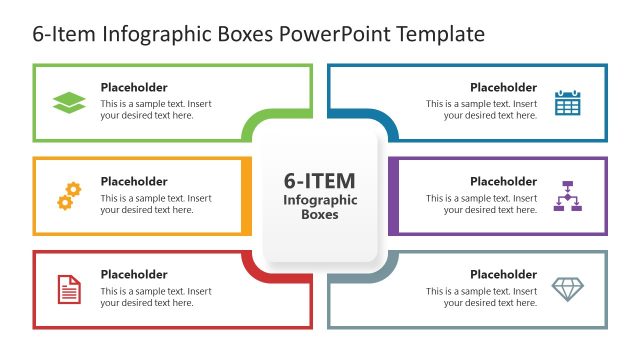
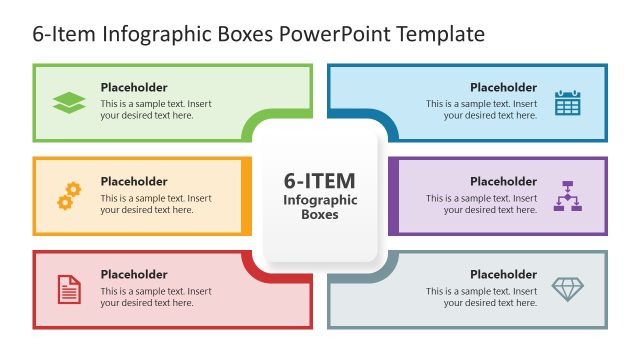
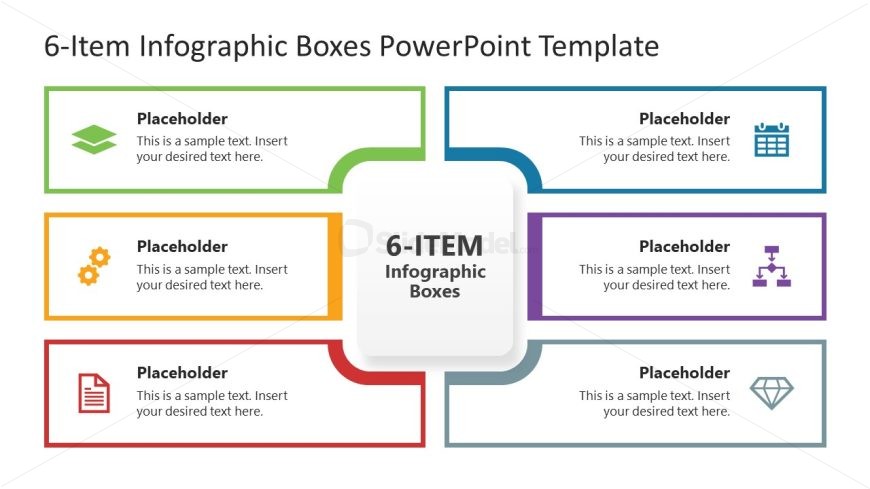
The 6-Item Infographic Boxes slide layout from the Free 6-Component Infographic Template for PowerPoint is designed for effective comparison. This diagrammatic layout features a central box surrounded by six colored rectangular boxes, making it ideal for showcasing product features, project phases, or strategic initiatives. The clear visual hierarchy and contrasting colors enhance readability, ensuring that each element stands out in business presentations.
What’s on This Slide
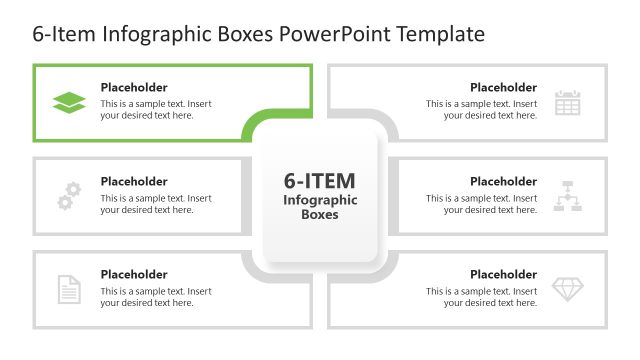
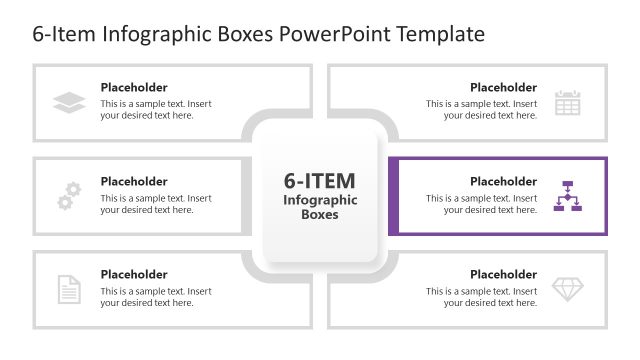
The layout features a central box labeled '6-ITEM Infographic Boxes' surrounded by six colored rectangular boxes. The boxes are arranged in a circular pattern, with three on the top and three on the bottom. Each box contains a text placeholder aligned to the left, with an icon positioned to the left of the text. The colors of the boxes include green, orange, blue, red, purple, and teal. The background is white, providing contrast to the colored boxes. The overall design emphasizes a clear visual hierarchy with the central box as the focal point.
How to Use It
This layout serves as a multi-item comparison or categorization tool, ideal for presenting six distinct concepts or components. It fits well in a presentation sequence following an introduction or problem statement, providing clarity on various elements. Business scenarios include product features, project phases, or strategic initiatives. The design allows for easy identification and differentiation of each item, making it suitable for team presentations or stakeholder updates.
Text Placeholders & Capacity
Keep your copy within these limits so it fits without resizing. Node body slots can accommodate roughly 15-20 words each.
| Placeholder | Count | Max characters (approx.) |
|---|---|---|
| Item heading | 6 | 40 |
| Item body | 6 | 80 |
| Slide title | 1 | 40 |
Slide Keywords
Download unlimited PowerPoint templates, charts and graphics for your presentations with our annual plan.
DOWNLOADReturn to Free 6-Component Infographic Template for PowerPoint.