Slide 4 of 6 from Free 5-Step Horizontal Process Diagram Slide Template for PowerPoint
Slide for Stage 3 – Free 5-Step Horizontal Process PPT Diagram
5-Step Horizontal Process Diagram Slide
- Diagram
- Process Flow
- Process Slide
- 16:9
- 100% Editable
What’s on This Slide
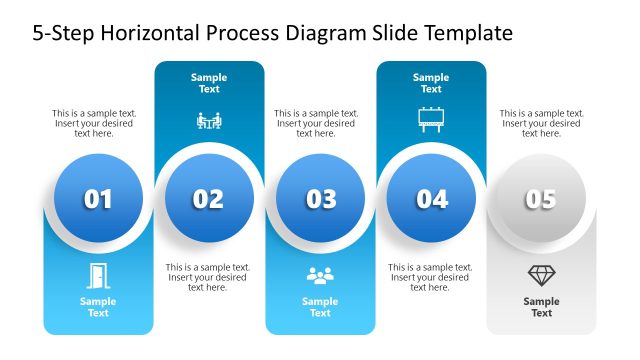
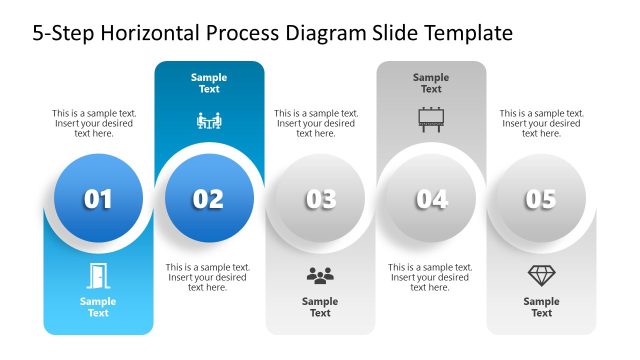
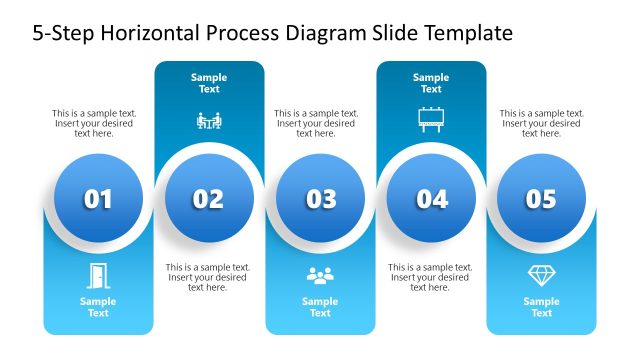
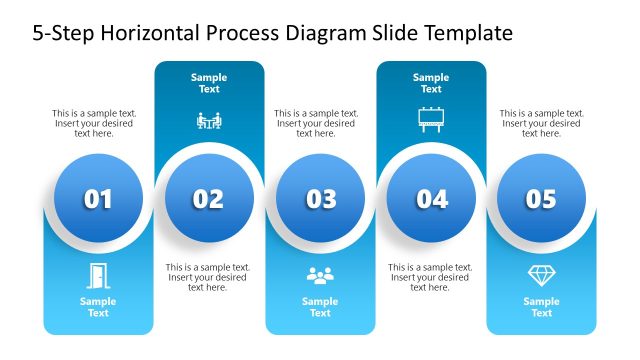
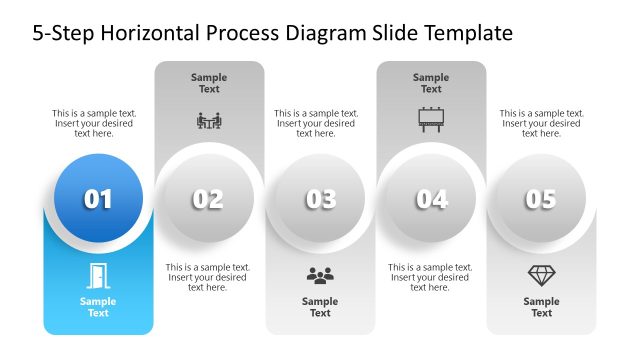
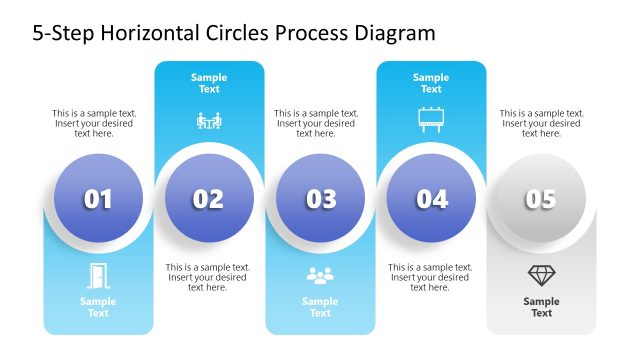
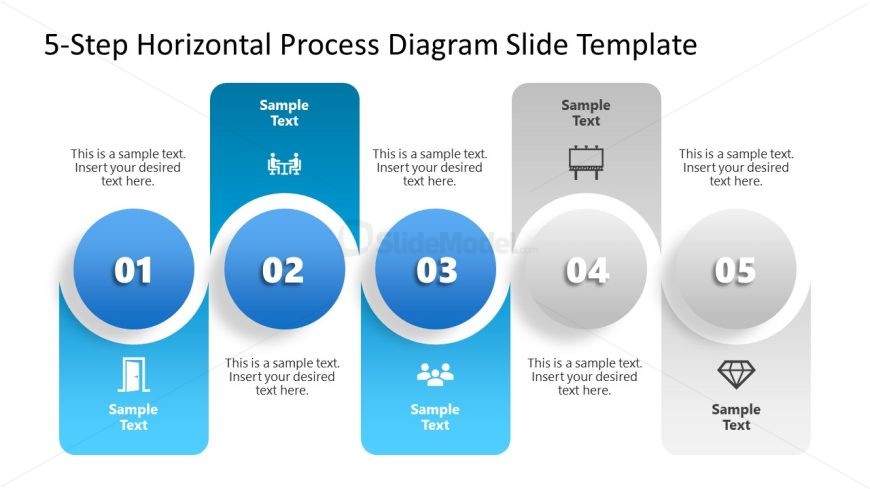
The layout features five circular nodes arranged horizontally, each containing a number and an icon. The first node is blue with a left-aligned icon, while the others have a similar structure with varying icons. Below each node, there are text placeholders for descriptions, aligned centrally. The background is white, providing contrast to the colorful nodes. The overall composition is balanced, with equal spacing between nodes, and the visual hierarchy emphasizes the numbered sequence. Each node is visually distinct yet part of a cohesive process flow.
How to Use It
This layout serves as a horizontal process diagram, ideal for illustrating sequential steps in a workflow or project. It fits well in presentations that require a clear depiction of processes, such as project management, product development, or training sessions. The structure allows for easy customization of text and icons, making it suitable for various business contexts. It is best used in the middle of a presentation to explain a process after introducing a problem or concept.
Text Placeholders & Capacity
Keep your copy within these limits so it fits without resizing. Node body slots can hold roughly 10 words each.
| Placeholder | Count | Max characters (approx.) |
|---|---|---|
| Item heading | 5 | 20 |
| Item body | 5 | 50 |
| Slide title | 1 | 40 |
Slide Keywords
Download unlimited PowerPoint templates, charts and graphics for your presentations with our annual plan.
DOWNLOADReturn to Free 5-Step Horizontal Process Diagram Slide Template for PowerPoint.