Slide 4 of 6 from Free 5 Item Presentation Slide for PowerPoint
PPT 5 Steps Semi Circle Diagram
5 Item Presentation Structure for PowerPoint
- Diagram
- Other
- Strategy Slide
- 16:9
- 100% Editable
The 5 Item Presentation Structure slide from the Free 5 Item Presentation Slide for PowerPoint template offers a clear diagram layout ideal for strategic planning and team alignment. This slide uses editable shapes and vector icons to visually connect key concepts like mission, vision, and goals, making it suitable for business presentations and corporate slide decks. Its organized design supports effective communication of project objectives within PowerPoint templates and Google Slides templates.
What’s on This Slide
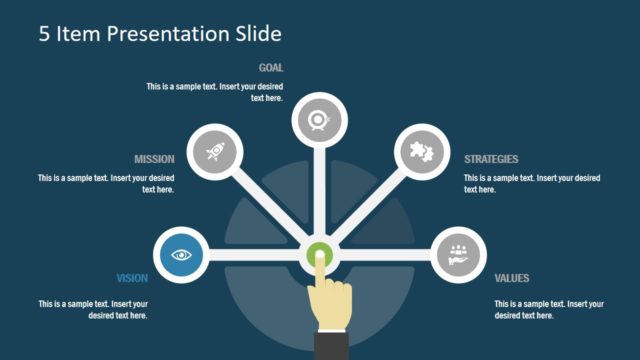
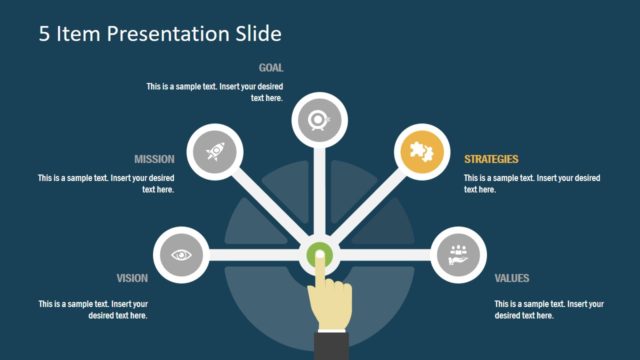
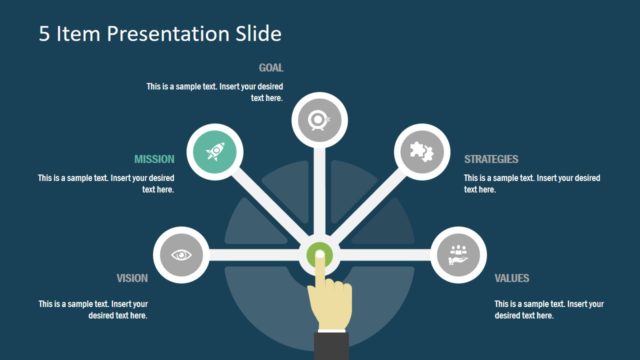
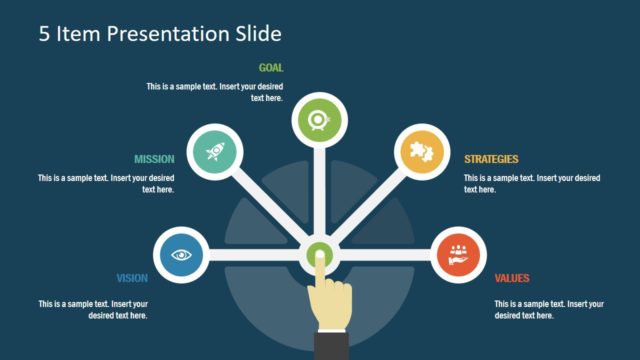
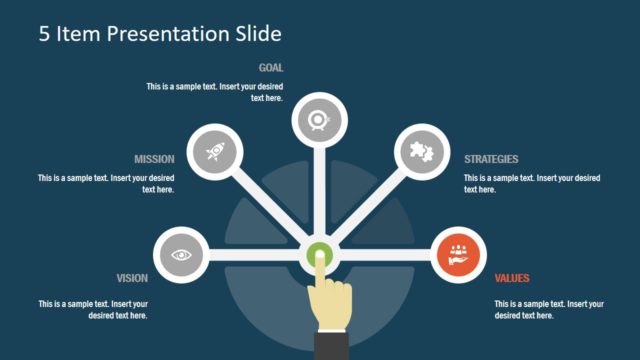
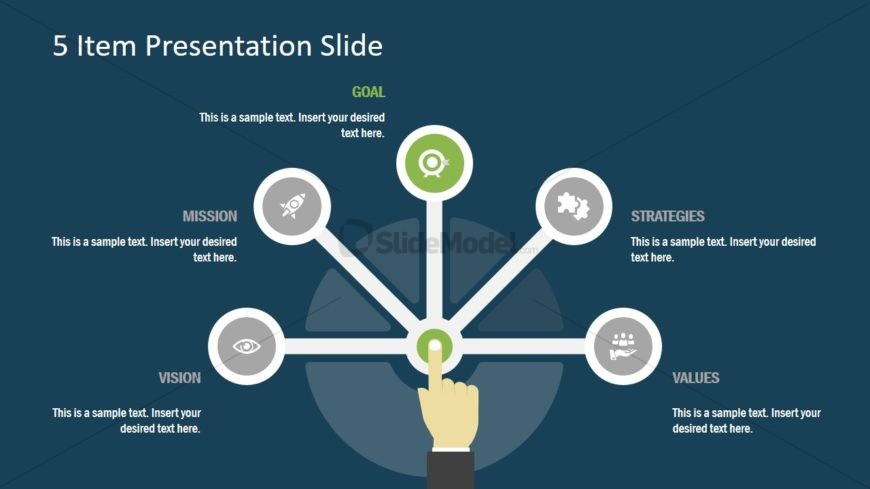
The slide features a central circular node labeled 'GOAL' with five surrounding nodes labeled 'MISSION', 'VISION', 'STRATEGIES', and 'VALUES'. Each node is connected to the central node by straight lines. The central node is visually emphasized with a hand graphic pointing at it. Text placeholders are located near each node, aligned to the left or right, indicating where to insert desired text. The background is a dark blue color, providing contrast to the lighter circular nodes and icons. The overall layout is symmetrical and organized.
How to Use It
This layout serves as a structured overview for presenting five key items related to a central concept. It fits well in a presentation sequence after introducing a topic and before diving into detailed discussions. Ideal for business scenarios such as strategic planning, project goals, or organizational values, this layout effectively communicates relationships between core elements. It can also be used for team alignment or project objectives, ensuring clarity in communication.
Text Placeholders & Capacity
Keep your copy within these limits so it fits without resizing. Node body slots can hold about 8-10 words each.
| Placeholder | Count | Max characters (approx.) |
|---|---|---|
| Slide title | 1 | 30 |
| Item heading | 5 | 20 |
| Item body | 5 | 50 |
Slide Keywords
Download unlimited PowerPoint templates, charts and graphics for your presentations with our annual plan.
DOWNLOAD