Slide 2 of 5 from Free 4-Step Numbered Circular Infographic Diagram
PowerPoint 4 Steps Circular Cutouts
4-Step Circular Infographic Diagram
- Diagram
- Circular Cycle
- Process Slide
- 16:9
- 100% Editable
The 4-Step Circular Infographic slide from the Free 4-Step Numbered Circular Infographic Diagram template offers a clear visual process layout ideal for business presentations and training material. This editable slide template uses a symmetrical circular design with numbered segments to outline methodologies or project steps effectively. Its vector icons and editable shapes support customization, making it suitable for corporate presentations and pitch deck templates requiring a concise process explanation.
What’s on This Slide
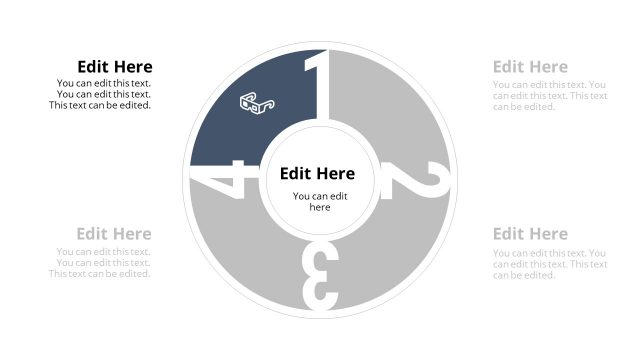
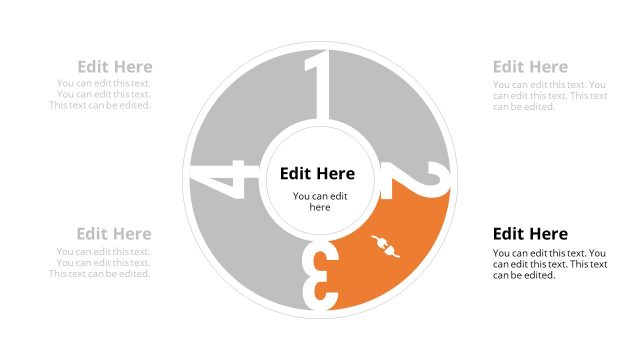
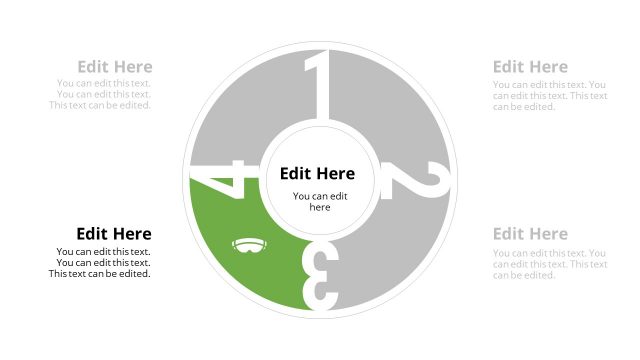
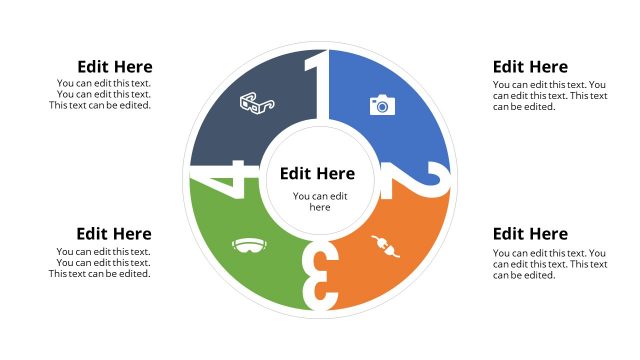
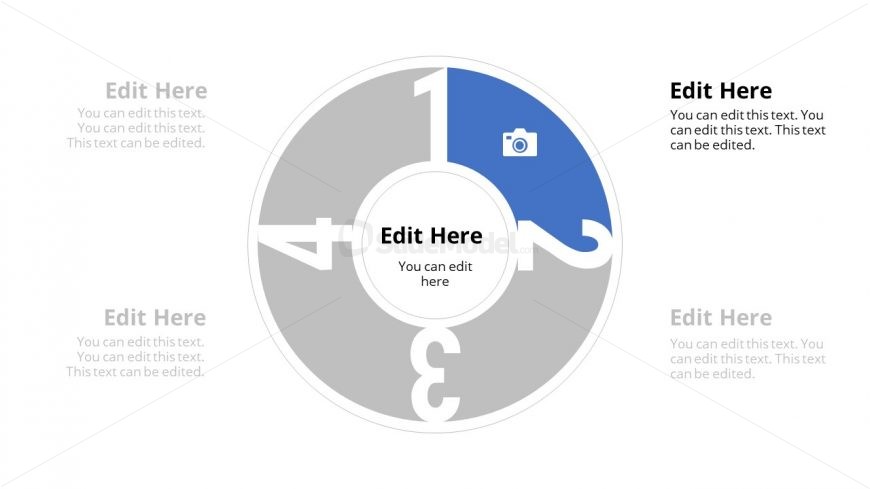
The slide features a circular diagram divided into four segments, each labeled with numbers 1 to 4. The segments are arranged in a clockwise manner, with the first segment highlighted in blue, containing an icon of a camera. The center of the circle has a placeholder for text, surrounded by additional text placeholders positioned in each segment. The segments alternate in color, with gray and blue used for visual differentiation. Each segment has a clear boundary, and the overall layout is symmetrical, emphasizing the circular flow of information.
How to Use It
This layout serves as a sequential infographic to present four key steps or stages in a process. It is suitable for business presentations that require a clear and engaging way to outline methodologies, strategies, or workflows. The circular design allows for easy comprehension of the relationship between the steps. This slide fits well in a series, following an introductory slide and leading into detailed explanations of each step. It is particularly useful in training sessions, project planning, or product development contexts.
Text Placeholders & Capacity
Keep your copy within these limits so it fits without resizing. Node body slots can hold about 50 characters each, while the central body slot can accommodate 100 characters.
| Placeholder | Count | Max characters (approx.) |
|---|---|---|
| Item heading | 4 | 20 |
| Item body | 4 | 50 |
| Body paragraph | 1 | 100 |
Slide Keywords
Download unlimited PowerPoint templates, charts and graphics for your presentations with our annual plan.
DOWNLOADReturn to Free 4-Step Numbered Circular Infographic Diagram.