Slide 1 of 1 from Free 3-Step Simple Pyramid PowerPoint Template
Free 3-Step Simple Pyramid PPT Template
3-Step Pyramid PowerPoint Template
- Diagram
- Other
- Process Slide
- 16:9
- 100% Editable
What’s on This Slide
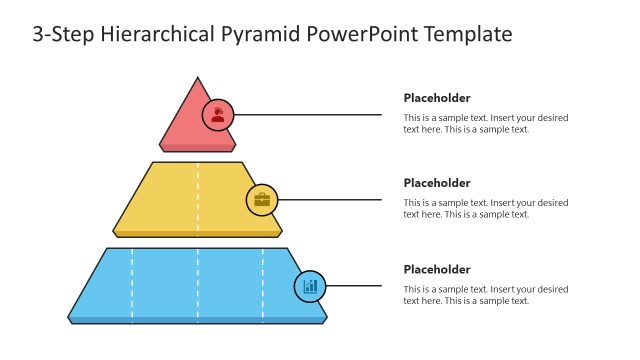
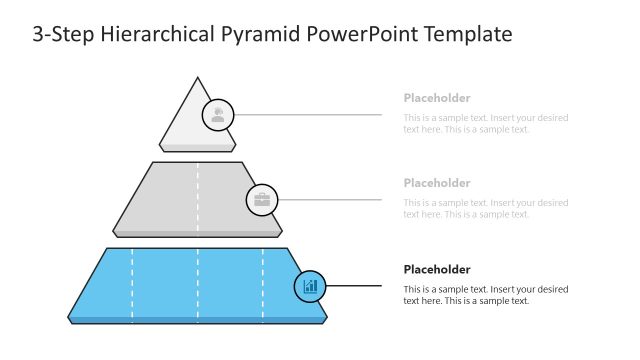
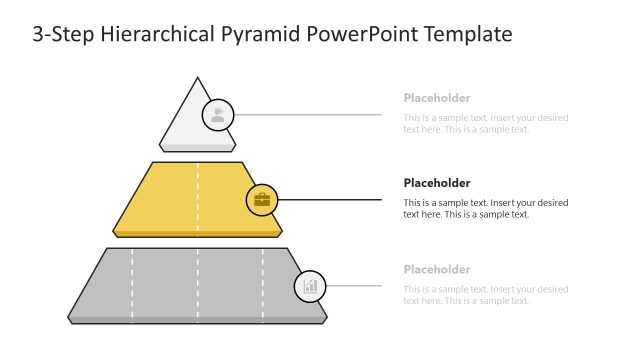
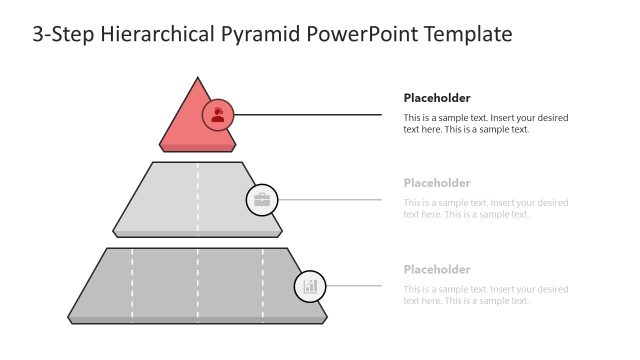
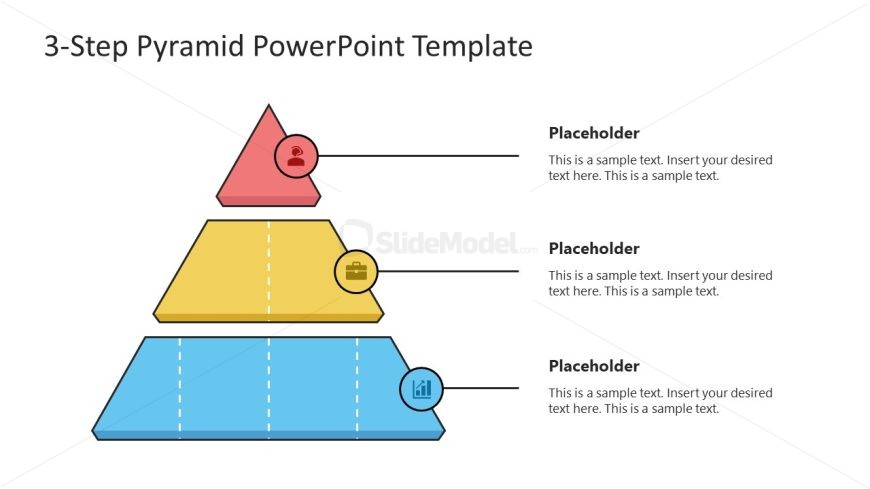
The slide features a three-step pyramid diagram with three distinct layers. The top layer is a red triangle containing a user icon, followed by a yellow trapezoid with a briefcase icon, and a blue trapezoid at the bottom with a chart icon. Each layer has a corresponding text placeholder aligned to the right, with a visual hierarchy indicating the pyramid's structure. The background is white, providing contrast to the colorful shapes. The pyramid is centered, with equal spacing between layers and icons, enhancing clarity and organization.
How to Use It
This layout serves as a hierarchical representation of concepts or processes, ideal for illustrating steps in a strategy or framework. It fits well in presentations discussing business models, project phases, or educational topics. The pyramid structure allows for clear communication of priorities or stages, making it effective for summarizing key points. Use it when presenting information that builds upon each step, ensuring a logical flow of ideas throughout the presentation.
Text Placeholders & Capacity
Keep your copy within these limits so it fits without resizing. Each text placeholder can hold approximately 50-150 characters.
| Placeholder | Count | Max characters (approx.) |
|---|---|---|
| Item heading | 3 | 50 |
| Item body | 3 | 150 |
Slide Keywords
Download unlimited PowerPoint templates, charts and graphics for your presentations with our annual plan.
DOWNLOAD