Slide 2 of 4 from Free 3-Phase Timeline Design for PowerPoint
Free PowerPoint Timeline Phases
3-Phase Planning Timeline for Presentations
- Diagram
- Timeline Horizontal
- Process Slide
- 16:9
- 100% Editable
The 3-Phase Planning Timeline slide from the Free 3-Phase Timeline Design for PowerPoint template offers a clear horizontal process diagram ideal for project timelines and strategic planning. This slide layout uses editable shapes and vector icons to visually represent sequential phases, making it suitable for business presentations and milestone communications within a professional slide deck.
What’s on This Slide
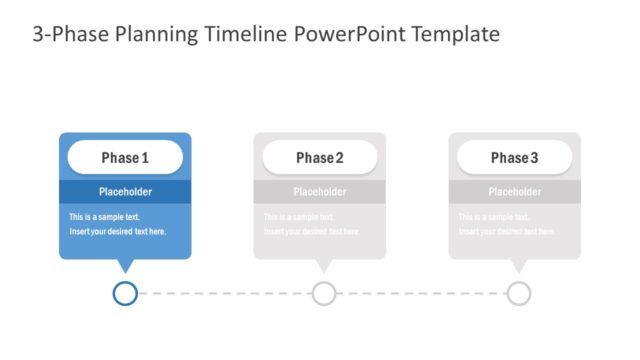
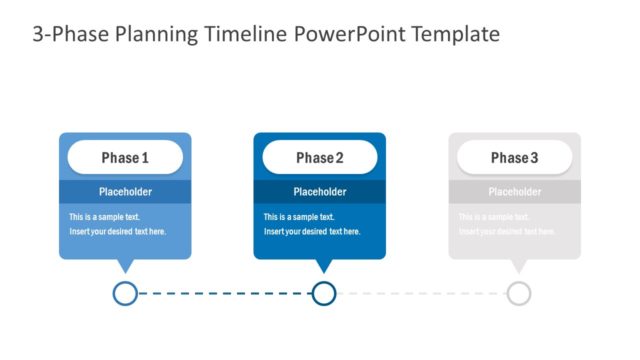
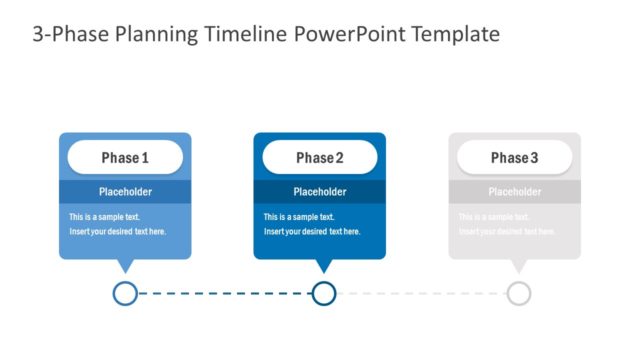
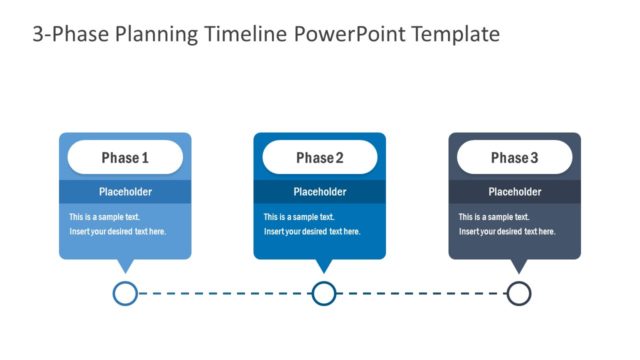
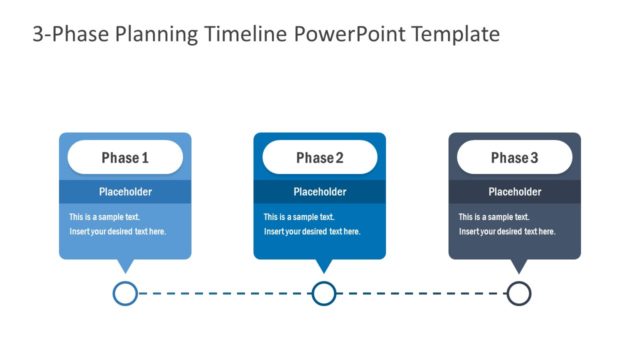
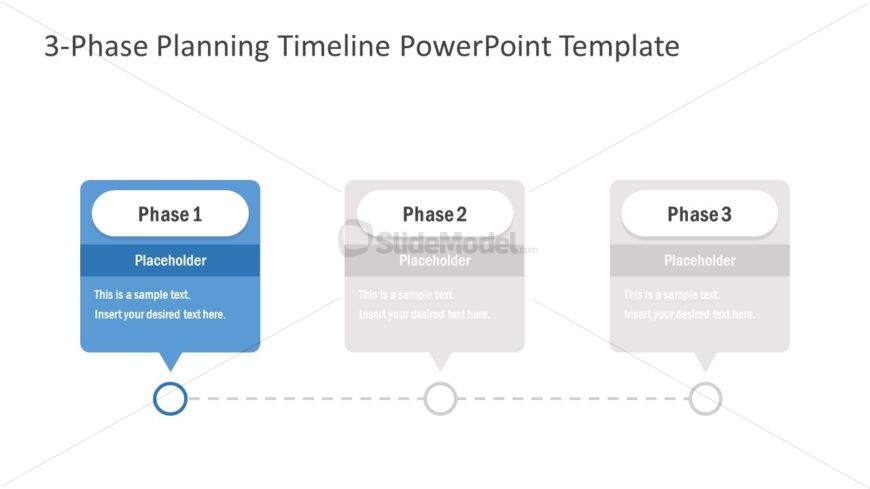
The layout features three distinct phases aligned horizontally across the center. Each phase is represented by a rounded rectangle shape, with the first phase in blue and the subsequent phases in gray. Below each phase are text placeholders for titles and descriptions, aligned centrally within their respective shapes. A dashed line connects the phases, with circular nodes positioned between them. The background is white, providing contrast to the colored shapes. The overall composition is balanced, emphasizing the sequential nature of the phases.
How to Use It
This layout serves as a chronological process diagram, ideal for illustrating project phases or timelines. It fits well in presentations that require a clear depiction of sequential steps, such as project planning or strategic initiatives. The structure can be used in business contexts to communicate milestones, phases of development, or stages in a project lifecycle, making it suitable for progress updates or planning sessions.
Text Placeholders & Capacity
Keep your copy within these limits so it fits without resizing. Node body slots can hold about 10 words each.
| Placeholder | Count | Max characters (approx.) |
|---|---|---|
| Item heading | 3 | 20 |
| Item body | 3 | 50 |
Slide Keywords
Download unlimited PowerPoint templates, charts and graphics for your presentations with our annual plan.
DOWNLOADReturn to Free 3-Phase Timeline Design for PowerPoint.