Slide 2 of 15 from Free 2015 Calendar Template for PowerPoint
Calendar January 2015 Slide Design
January 2015 Calendar Template
- Table
- Data Table
- Context Slide
- 16:9
- 100% Editable
What’s on This Slide
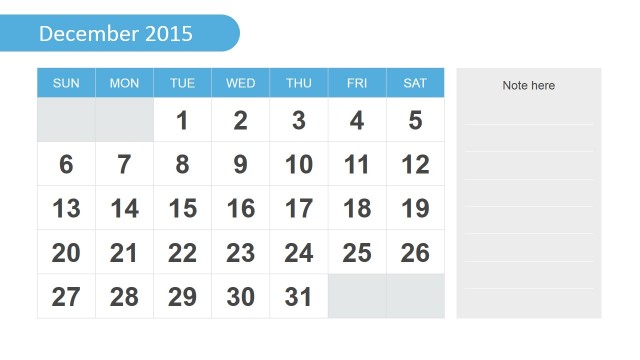
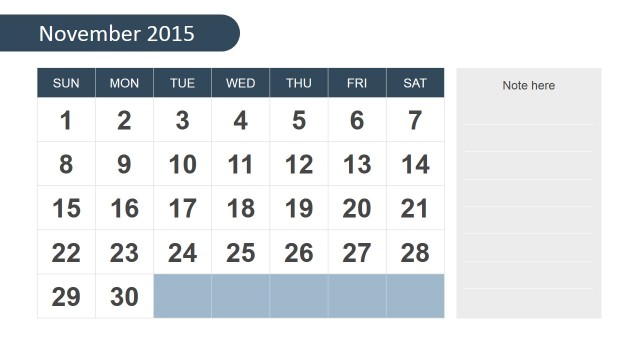
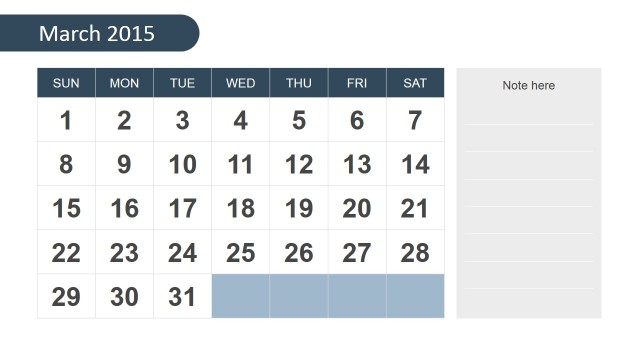
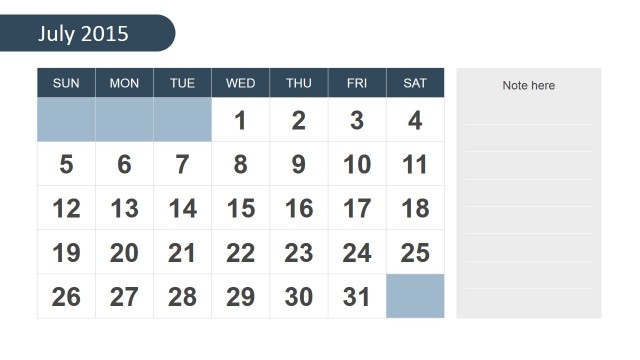
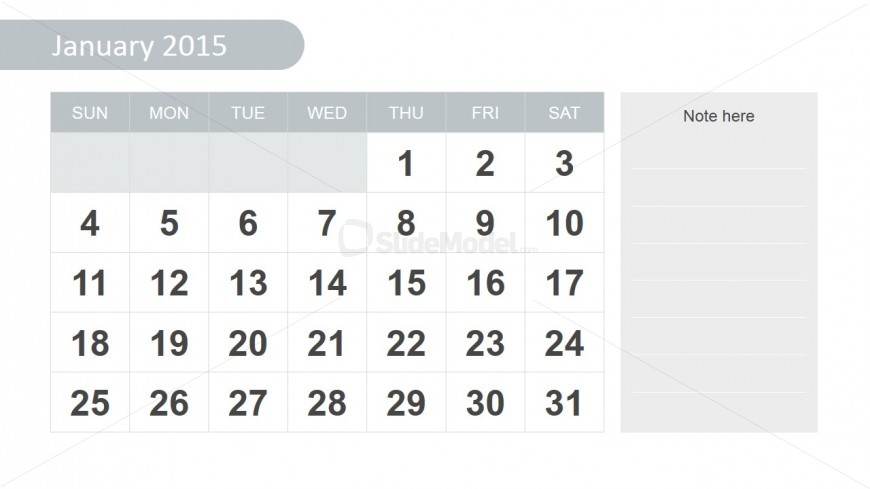
The layout features a calendar for January 2015, positioned centrally on the slide. The calendar contains a grid with seven columns labeled for each day of the week, from Sunday to Saturday. Each cell in the grid displays the corresponding date, with the first row indicating the days of the week. To the right, there is a vertical note section for additional information or reminders, with a light gray background. The overall color scheme is light and neutral, enhancing readability and organization.
How to Use It
This layout serves as a monthly calendar, ideal for planning and scheduling events or tasks. It fits well in presentations focused on time management, project planning, or personal organization. This slide can be used in business meetings to outline deadlines or in educational settings for tracking assignments. It is best suited for contexts where a visual representation of a month is needed, allowing users to add notes or reminders alongside the calendar.
Text Placeholders & Capacity
Keep your copy within these limits so it fits without resizing. Node slots can accommodate multiple entries, with each cell holding a date.
| Placeholder | Count | Max characters (approx.) |
|---|---|---|
| Slide title | 1 | 20 |
| Item heading | 7 | 3 |
| Item body | 42 | 2 |
| Callout | 1 | 20 |
Slide Keywords
Download unlimited PowerPoint templates, charts and graphics for your presentations with our annual plan.
DOWNLOADReturn to Free 2015 Calendar Template for PowerPoint.