Slide 3 of 8 from Business Work PowerPoint Diagrams
Free Column Chart PowerPoint Templates
Four Step Process Diagram for Presentations
- Diagram
- Matrix Quadrant
- Process Slide
- 16:9
- 100% Editable
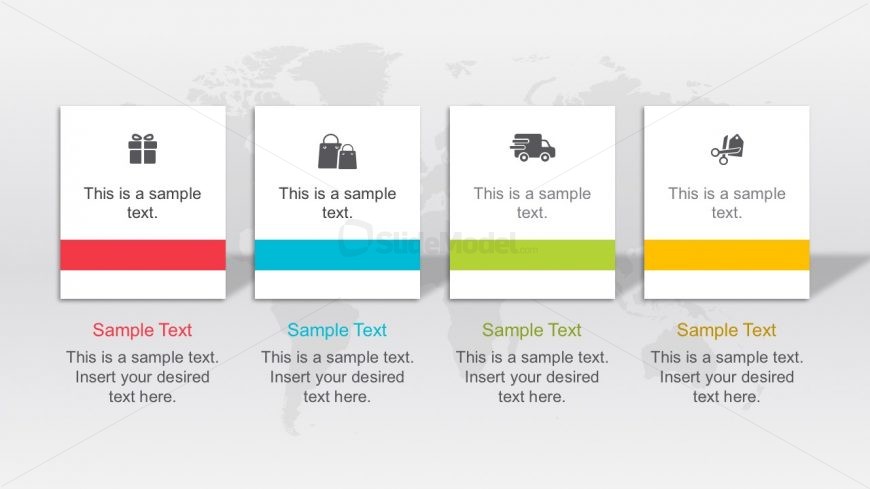
The Four Step Process Diagram slide from the Business Work PowerPoint Diagrams template offers a clear layout for illustrating sequential workflows or stages in project planning and service delivery. This slide uses editable shapes and vector icons arranged in a horizontal sequence, making it suitable for business presentations and pitch deck templates that require a structured process visualization.
What’s on This Slide
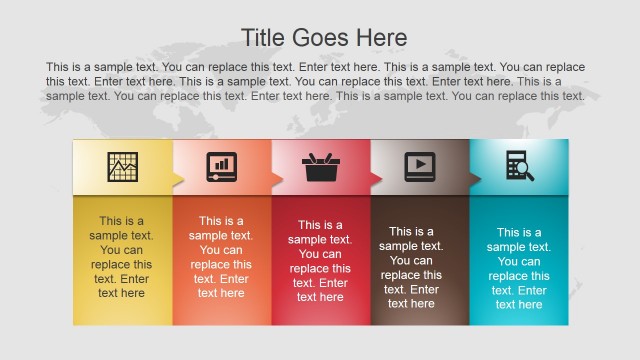
The layout features four rectangular nodes arranged horizontally. Each node contains an icon above a text placeholder. The icons represent different concepts and are centered within their respective nodes. Below each icon, there is a colored band that varies in hue, indicating a visual distinction among the nodes. The text placeholders are aligned centrally within each node, providing space for descriptive content. The background is light with a subtle world map pattern, enhancing the overall composition without distracting from the main elements.
How to Use It
This layout serves as a four-step process diagram, ideal for illustrating sequential actions or stages in a business context. It fits well in a presentation sequence following an introductory slide, helping to clarify processes or workflows. This structure is useful for scenarios such as project planning, product development stages, or outlining service delivery steps, where clear visual representation of steps is needed to enhance understanding.
Text Placeholders & Capacity
Keep your copy within these limits so it fits without resizing. Node body slots can hold about 10 words each.
| Placeholder | Count | Max characters (approx.) |
|---|---|---|
| Item heading | 4 | 25 |
| Item body | 4 | 50 |
Slide Keywords
Download unlimited PowerPoint templates, charts and graphics for your presentations with our annual plan.
DOWNLOADReturn to Business Work PowerPoint Diagrams.