Slide 7 of 8 from Animated Editable Infographic PowerPoint Slides
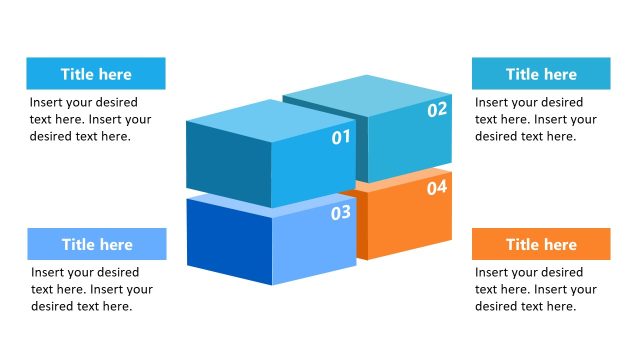
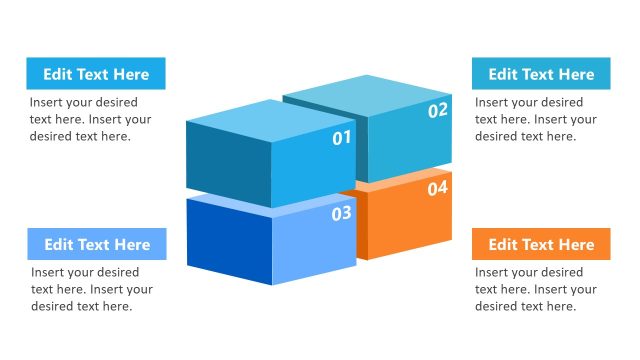
4 Step Block Diagram in PowerPoint
Hexagonal Process Flow Infographic Slide
- Diagram
- Process Flow
- Process Slide
- 16:9
- 100% Editable
The Hexagonal Process Flow with Icons slide from the Animated Editable Infographic PowerPoint Slides template offers a structured way to visualize workflows and marketing strategies. This slide layout uses editable shapes and vector icons to clearly depict process steps, making it suitable for business presentations and pitch deck templates that require a modern and engaging slide deck design.
What’s on This Slide
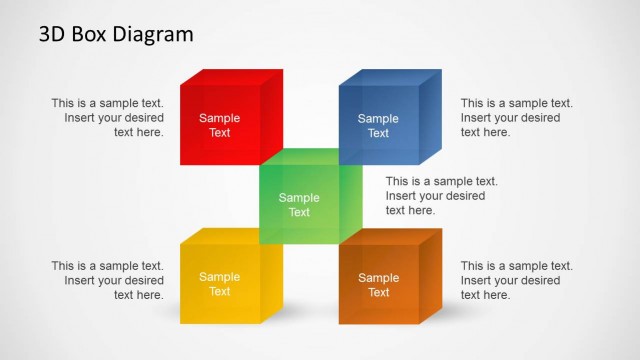
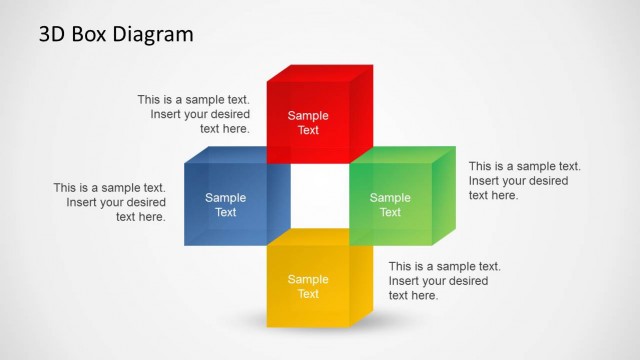
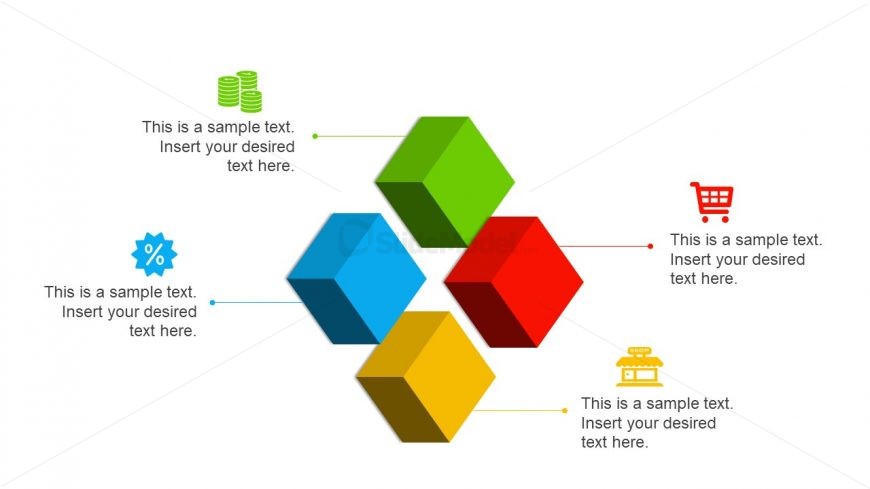
The layout features five hexagonal shapes arranged in a central cluster, colored blue, green, red, yellow, and a second green. Each hexagon contains a text placeholder aligned centrally within the shape. Connecting lines extend from the hexagons to text placeholders positioned around them, indicating a flow of information. The icons associated with each hexagon are placed adjacent to the text, enhancing visual clarity. The overall composition is balanced, with a white background allowing the colors to stand out, creating a clear visual hierarchy.
How to Use It
This layout serves as a visual representation of a process or workflow, suitable for illustrating steps or components in a business context. It can effectively be used in presentations to explain marketing strategies, project phases, or operational processes. Positioned after introductory slides, it helps transition into detailed discussions. The hexagonal design allows for a modern touch while maintaining clarity, making it ideal for engaging audiences in various business scenarios.
Text Placeholders & Capacity
Keep your copy within these limits so it fits without resizing. Node labels can hold about 10 words each, while node bodies can accommodate roughly 20 words.
| Placeholder | Count | Max characters (approx.) |
|---|---|---|
| Item heading | 5 | 50 |
| Item body | 5 | 100 |
Slide Keywords
Download unlimited PowerPoint templates, charts and graphics for your presentations with our annual plan.
DOWNLOAD