Slide 16 of 25 from 4# Calendar Timeline Toolkit
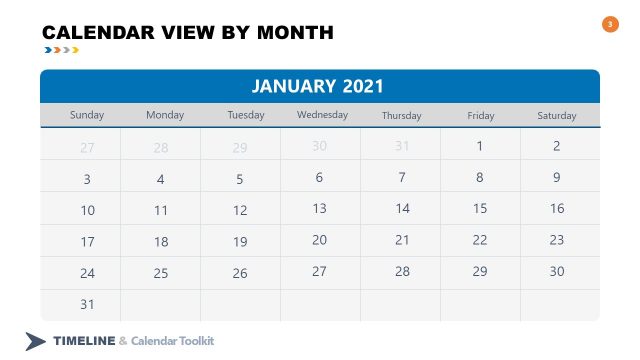
2021 January Month Calendar Daily View
Daily View Calendar Layout for Presentations
- Text Layout
- Other
- Timeline Slide
- 16:9
- 100% Editable
The Daily View Calendar Layout from the 4# Calendar Timeline Toolkit offers a structured design for presenting daily schedules and project timelines. This slide template features editable shapes and text placeholders arranged around a calendar grid, making it suitable for business presentations and event planning. Its clean layout with blue accents supports clear communication of time-sensitive information within a corporate presentation or pitch deck template.
What’s on This Slide
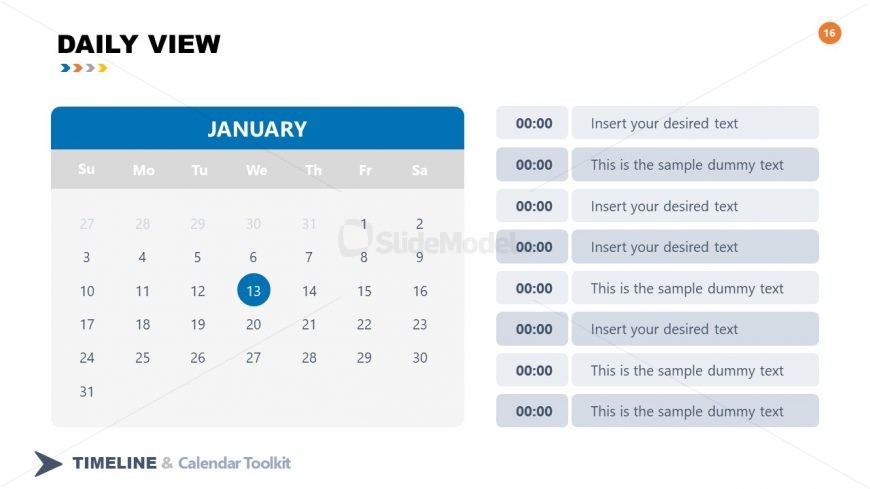
The layout features a calendar grid for January, positioned centrally. The days of the week are displayed at the top, with a blue header. The 13th day is highlighted in a circular shape. To the right, there are multiple text placeholders arranged vertically, each with a time label in a light background. The placeholders are aligned consistently, with some labeled 'Insert your desired text' and others containing sample dummy text. The overall structure is clean, with a light background and a blue accent color.
How to Use It
This layout serves as a daily calendar view, ideal for scheduling or planning presentations. It fits well in a sequence where time management or task scheduling is discussed. Suitable for business meetings, project timelines, or event planning, this layout allows users to present daily tasks or events clearly. It can be used individually to highlight specific dates or activities, making it versatile for various contexts.
Text Placeholders & Capacity
Keep your copy within these limits so it fits without resizing. Node body slots can hold about 5-6 words each.
| Placeholder | Count | Max characters (approx.) |
|---|---|---|
| Item body | 7 | 30 |
| Slide title | 1 | 20 |
| Item heading | 7 | 5 |
Slide Keywords
Download unlimited PowerPoint templates, charts and graphics for your presentations with our annual plan.
DOWNLOADReturn to 4# Calendar Timeline Toolkit.