Slide 4 of 8 from 3D Infographic Elements for PowerPoint
3D Inverted Triangle Process Diagrams
Triangular Process Diagram for Presentations
- Diagram
- Process Flow
- Process Slide
- 16:9
- 100% Editable
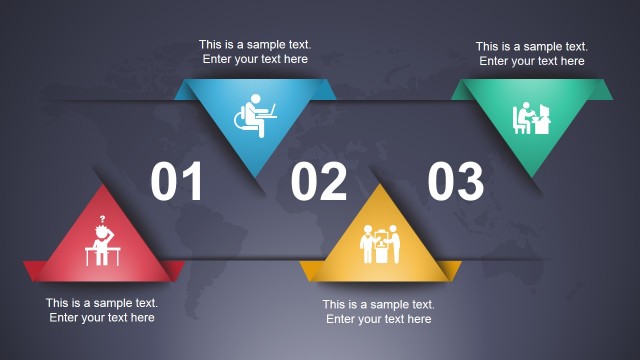
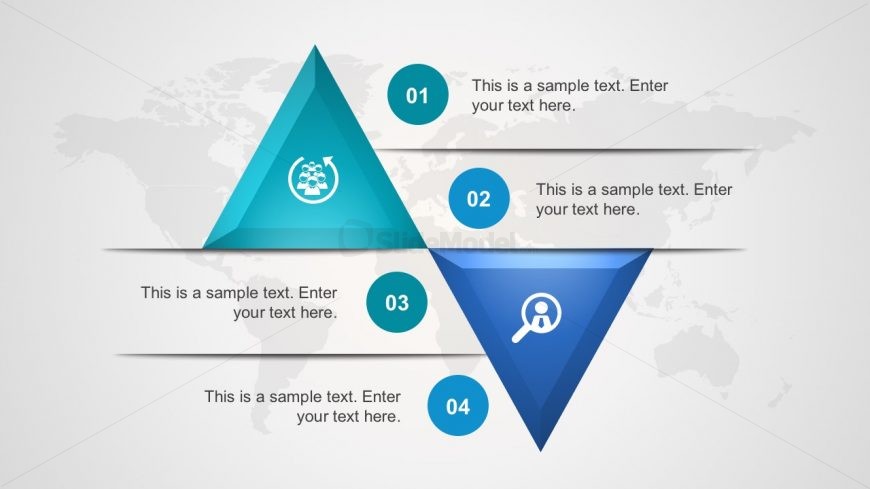
The Triangular Process Diagram slide from the 3D Infographic Elements for PowerPoint template offers a structured visual for illustrating workflows and process stages. Featuring three vertically arranged triangles with centered icons and descriptive text placeholders, this slide supports clear communication in business presentations and training sessions. The subtle world map background and blue-teal color scheme enhance the professional look of this editable slide, making it a practical choice for corporate presentation decks and pitch deck templates.
What’s on This Slide
The layout features three triangular shapes arranged vertically, with two triangles at the top and one at the bottom. Each triangle contains an icon, with the top two triangles pointing upward and the bottom triangle pointing downward. The icons are centered within their respective triangles. Text placeholders are located below each triangle, aligned centrally, allowing for descriptions or titles. A world map is faintly visible in the background, providing context. The overall color scheme includes shades of blue and teal, enhancing visual hierarchy.
How to Use It
This layout serves as a process diagram, illustrating a sequence of steps or stages. It is suitable for presentations that require a clear visual representation of a process or methodology. This slide fits well after problem identification slides and can be used in business contexts such as project management, strategic planning, or workflow presentations. It effectively communicates relationships between different phases or components in a structured manner, making it useful for training sessions or team meetings.
Text Placeholders & Capacity
Keep your copy within these limits so it fits without resizing. Node labels can hold about 30 characters each, while node bodies can hold around 50 characters.
| Placeholder | Count | Max characters (approx.) |
|---|---|---|
| Item heading | 4 | 30 |
| Item body | 4 | 50 |
Slide Keywords
Download unlimited PowerPoint templates, charts and graphics for your presentations with our annual plan.
DOWNLOADReturn to 3D Infographic Elements for PowerPoint.