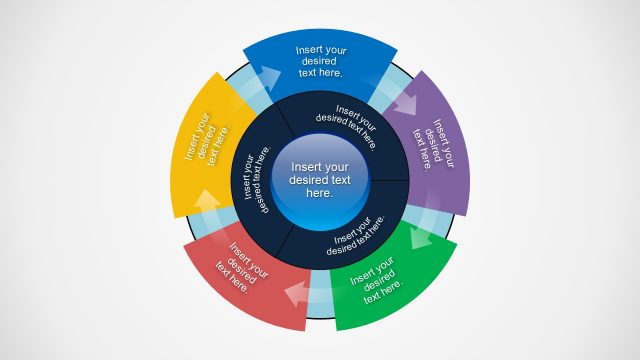
Slide 1 of 12 from 11 Steps Zoom Animation Icons PowerPoint Template
11 Steps Zoom Circular Diagram PPT
11 Steps Zoom Animation Icons Overview
- Diagram
- Circular Cycle
- Process Slide
- 16:9
- 100% Editable
The Circular Process with Icons slide from the 11 Steps Zoom Animation Icons PowerPoint Template offers a clear visual framework for illustrating workflows and step-by-step guides. Featuring editable shapes and colorful vector icons arranged in a balanced circular layout, this slide supports effective communication of interconnected business processes within corporate presentations or pitch decks.
What’s on This Slide
The slide features a central circular shape with a blue gradient, surrounded by eight icons positioned evenly around it. Each icon represents a different concept and is accompanied by a text placeholder below. The icons are in various colors, including blue, red, and green, creating a visually distinct layout. Text placeholders are aligned beneath each icon, with the central circle also containing a text placeholder at the top. The background is black, enhancing the contrast of the icons and text. The overall composition is symmetrical and organized.
How to Use It
This layout serves as a circular process diagram, ideal for illustrating steps or concepts in a sequence. It fits well in presentations discussing workflows, processes, or frameworks that involve multiple components. This structure can be used in business scenarios such as project management, marketing strategies, or product development presentations. It effectively communicates interconnected ideas while allowing for individual elaboration on each point.
Text Placeholders & Capacity
Keep your copy within these limits so it fits without resizing. Node body slots can hold about 40 characters each.
| Placeholder | Count | Max characters (approx.) |
|---|---|---|
| Item heading | 8 | 20 |
| Item body | 8 | 40 |
| Slide title | 1 | 30 |
Slide Keywords
Download unlimited PowerPoint templates, charts and graphics for your presentations with our annual plan.
DOWNLOADReturn to 11 Steps Zoom Animation Icons PowerPoint Template.