Slide 3 of 7 from #1 Infographics Slide Bundle for Presentations
Infographics Diagrams for PowerPoint
3-Step Ribbon Funnel Diagram for Presentations
- Diagram
- Funnel
- Process Slide
- 16:9
- 100% Editable
What’s on This Slide
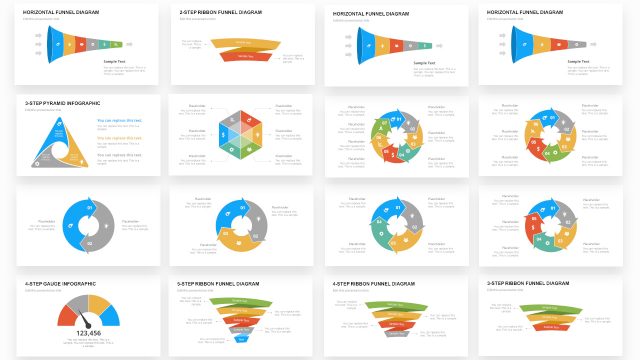
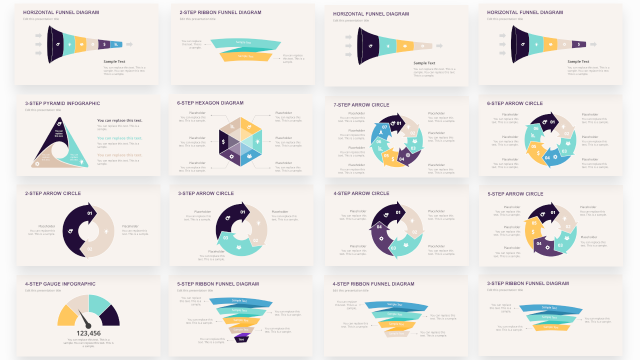
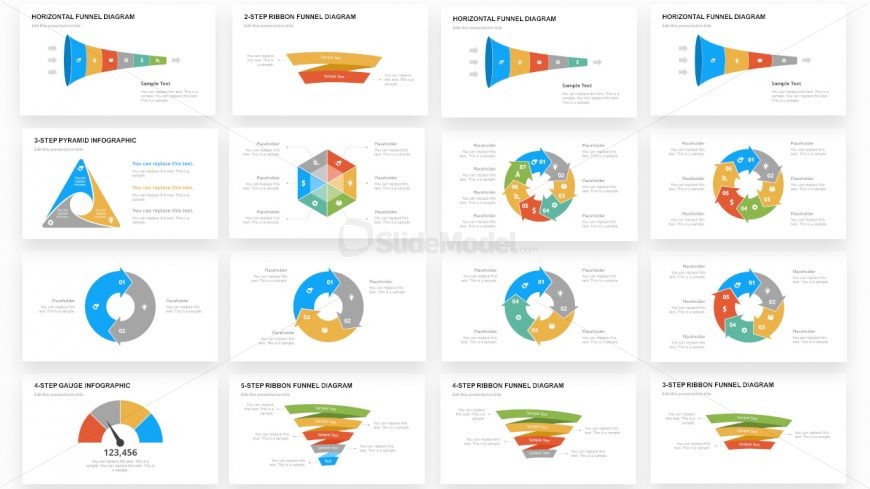
The slide features a ribbon funnel diagram with three distinct segments arranged horizontally. Each segment is a ribbon shape, colored in a gradient from green to orange, with the largest segment on the left and decreasing sizes towards the right. There are text placeholders within each segment, aligned centrally, indicating where to input information. The background is light, enhancing the visibility of the funnel. The overall layout is clean, with clear boundaries separating the segments, and the visual hierarchy emphasizes the flow from left to right.
How to Use It
This layout serves to illustrate a process or flow with three distinct steps, making it suitable for presentations that require a clear depiction of sequential stages. It fits well after problem identification slides, leading into solutions or action plans. This diagram can be used in business contexts such as marketing strategies, project phases, or sales processes, where a step-by-step approach is needed to convey information effectively.
Text Placeholders & Capacity
Keep your copy within these limits so it fits without resizing. Each node can hold a title and a brief description, roughly 20-50 characters each.
| Placeholder | Count | Max characters (approx.) |
|---|---|---|
| Item heading | 3 | 20 |
| Item body | 3 | 50 |
Slide Keywords
Download unlimited PowerPoint templates, charts and graphics for your presentations with our annual plan.
DOWNLOAD