Slide 39 of 51 from #3 Ultimate Pitch Deck PowerPoint Template
7757-01-ultimate-pitch-deck-powerpoint-template-16×9-38
Team Overview Slide for Presentations
- Media Layout
- Other
- Team Slide
- 16:9
- 100% Editable
The Team Overview with Icons slide from the #3 Ultimate Pitch Deck PowerPoint Template offers a clear layout for introducing team members and their roles. Designed for business presentations, this slide uses editable shapes and vector icons to highlight expertise and build credibility within a corporate presentation or pitch deck template.
What’s on This Slide
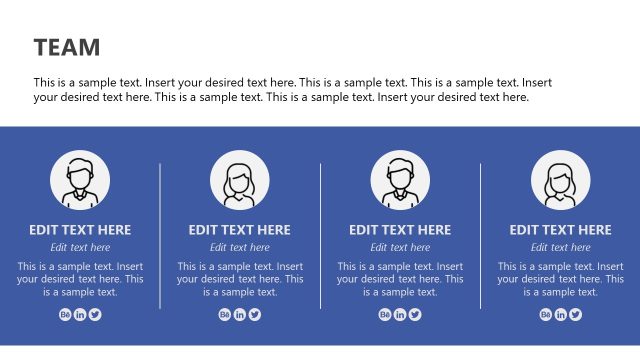
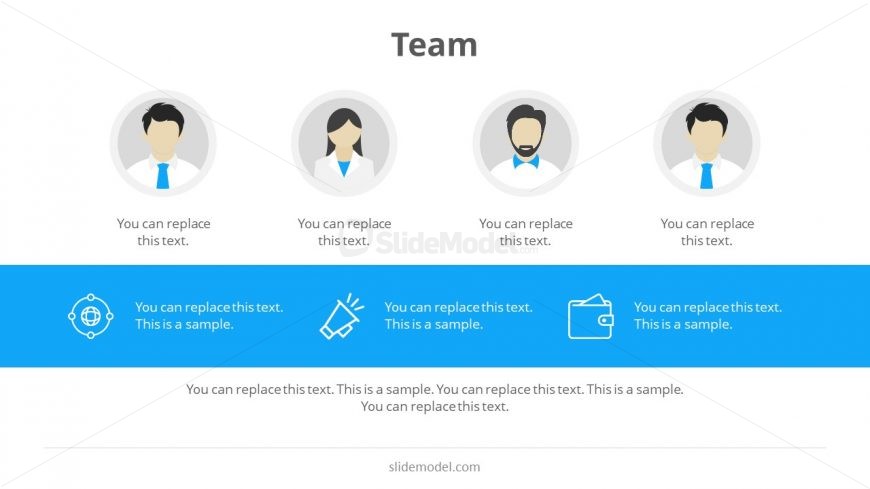
The layout features four circular icons representing team members, arranged horizontally at the top. Below these icons, a blue rectangular container spans the width of the slide, containing four text placeholders aligned in two rows. Each icon has a corresponding text placeholder directly below it, indicating roles or names. The overall composition is symmetrical, with a clear visual hierarchy emphasizing the icons and their labels. The background is white, allowing the blue container to stand out, and the icons are simple illustrations of diverse professionals.
How to Use It
This layout serves as a team introduction slide, ideal for showcasing team members in a business presentation. It fits well after problem or solution slides, providing context for who is involved in the project. Use this structure when presenting startup teams, project groups, or any collaborative effort. It can help in establishing credibility and highlighting individual contributions within the team dynamic.
Text Placeholders & Capacity
Keep your copy within these limits so it fits without resizing. Node labels can hold about 5-6 words each, while body text is tighter with roughly 10 words each.
| Placeholder | Count | Max characters (approx.) |
|---|---|---|
| Item heading | 4 | 30 |
| Item body | 4 | 50 |
Slide Keywords
Download unlimited PowerPoint templates, charts and graphics for your presentations with our annual plan.
DOWNLOADReturn to #3 Ultimate Pitch Deck PowerPoint Template.